Memrbl - Read To Scroll
Untitld Labs

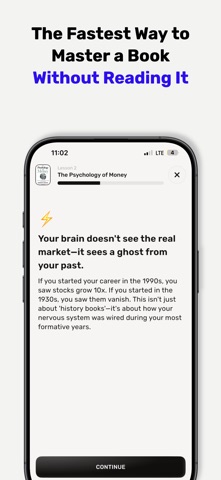
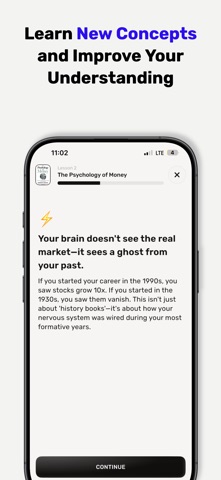
Earn your right to doomscroll. Memrbl locks the apps you can't stop opening. Lessons from the books you care about open them again. Here's how it works. Pick the apps that eat your day. Every right answer in a Memrbl lesson earns you minutes on them. When the minutes run out, they lock until you learn a little more. Rough day? You get a few emergency unlocks. The lessons are the good part. Pick any book. Memo, our brain mascot, asks what you want from it and where you'll use it. Then you get a path of short lessons for that book, in the version that fits your life. Each lesson starts with a guess. Then you see why. You catch the false claim, compare ideas that look alike, apply the idea to a situation like yours, and leave with a plan for the next time it comes up. No highlighting. No summaries you forget by Friday. Just answers, feedback and a plan. • 3 million+ books • Lessons that fit your life • Brain Power: today's learning against today's scrolling • Minutes you don't use roll over • Lessons in any order SUBSCRIPTION Browsing books, Memo's questions and the knowledge check are free. Learning paths and lessons need a subscription: yearly, which starts with a discounted first month for new subscribers, or weekly. Payment is charged to your Apple Account when you confirm your purchase. The subscription renews automatically unless you cancel it at least 24 hours before the end of the current period. You can manage or cancel it anytime in your Apple Account settings. Terms of Use: https://www.apple.com/legal/internet-services/itunes/dev/stdeula/ Privacy Policy: https://www.memrbl.com/privacy
Screenshots