Smart Printer App:Print & Scan
Pando Tech

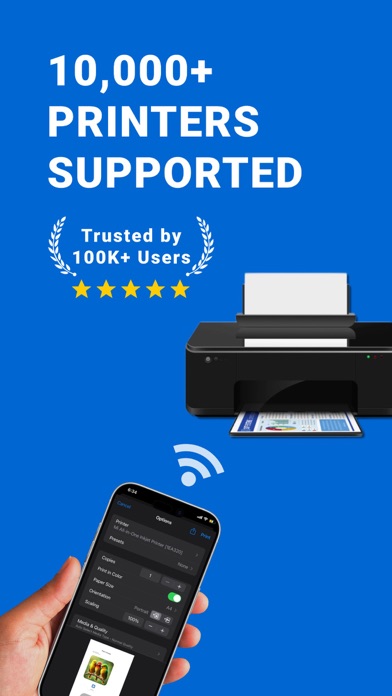
Support for 10000+ Models of Wireless Mobile WiFi Printers With just one smart printer app, printing has never been easier! Key Features: Wide Compatibility, Easy Printing Supports over 10000 printer models. No matter what pro brand you use, you can easily connect. Whether you’re using a laserjet or any other type, this app handles it all. Worry-Free Driver Installation, Fast and Efficient No more hassle with downloading printer driver files! The universal iPrint app has improved automatic detection and installation features—just one click is all it takes, making it a pro choice for users. This way, you can enjoy hassle-free PRINT functionality and eliminate complex setups. Lightning-Fast Connection, Print Anytime, Anywhere With just a few simple steps, you can quickly establish a connection between your phone and sprocket printer, achieving the ultimate experience of “click to PRINT.” Whether you’re at home or on the go, it’s always smart to have this app ready. User Reviews: @Barr: "The smart printer app is incredibly convenient! It supports all the common printer brands, including my HP laserjet. Now I only need this one app for all my printing needs. No more downloading multiple apps!" @Drogend: "This app has made printing documents much easier for me. The connection is swift, and the setup is simple—highly recommended! I've also used my sprocket printer with it, and it works seamlessly!" Contact Information: App Feedback: Settings - Feedback Thank you for using the iPrint smart printer app! If you encounter any issues, please provide feedback through the above method. Membership Services: Terms of Use: https://www.apple.com/legal/internet-services/itunes/dev/stdeula/
Screenshots