Document Scanner, Scan to PDF
CREATIVE TECHNOLOGIES LLC

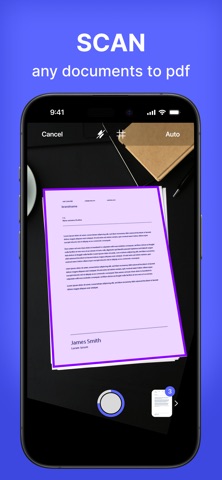
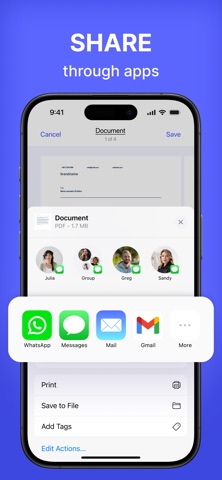
Scanning documents has never been easier! Turn your smartphone into a portable scanner and manage your documents effortlessly. Need to scan and share a document quickly? With the Scanner app, you can digitize documents in just a few taps and keep your paperwork organized. SCAN INSTANTLY Start by tapping the "Scan Document" button. Take a new photo, choose one from your photo gallery, or select a file directly from your device. Scanner adapts to your needs with flexibility for any type of document. EASILY ADD SIGNATURES Create and save digital signatures for future use. Choose the color of your signature and adjust its size to fit perfectly in the document. Add your signature to any page with precise placement. EXPORT AND SHARE Export documents in JPG or PDF format and share them effortlessly. Use the built-in sharing menu to quickly send files via email, messengers, cloud storage, and more. ENHANCE YOUR SCANS Cropping and adjustments: Manually select and adjust the document's edges for perfect borders. Retake or save: Not satisfied with the result? Retake or save the scan for later. ORGANIZE YOUR DOCUMENTS Easily view all pages of a scanned document and switch between them. Rename documents, add pages, rotate, or crop as needed. Delete unnecessary pages or entire documents with a single tap. Terms of Service: https://calledandrey.github.io/scannerapp/terms.html Privacy Policy: https://calledandrey.github.io/scannerapp/privacy.html Got questions or suggestions? Email us at scannerappnet@gmail.com. We’d love to hear your feedback!
Screenshots