Time Card Calculator-Timeclock
Review And Judge LLC

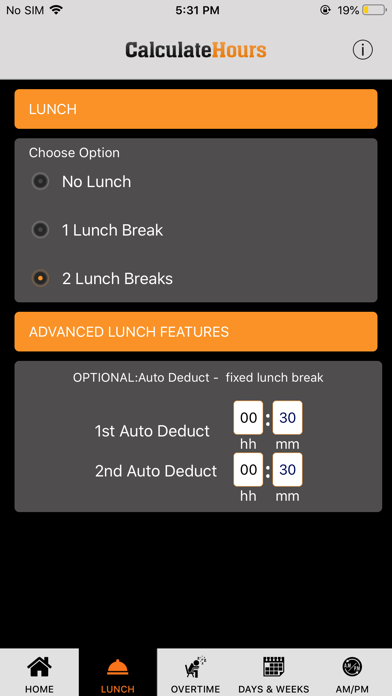
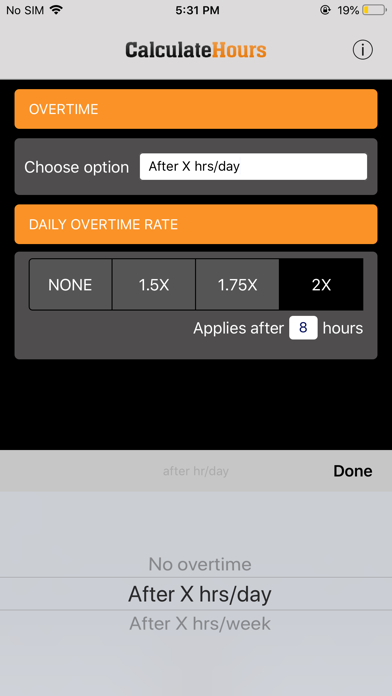
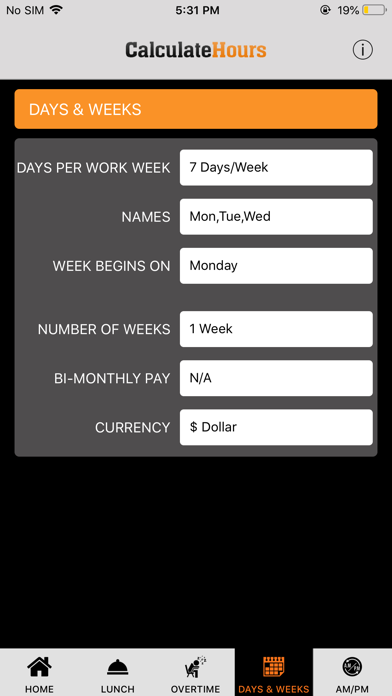
Time Card Calculator for Weekly and Bi-Weekly Timesheets Calculate the time you worked by entering the time you logged in and logged out. LUNCH BREAKS: You may add more login lines for 1 or 2 lunch breaks in our time clock calculator. Or, if you do not log in and out for lunch each day, but you have a certain amount of minutes automatically deducted as lunch, you may enter 15 minutes, 30 minutes, etc. in the LUNCH tab, and this amount will be automatically deducted daily. OVERTIME: You can calculate overtime in your timecard after 8 hours daily or after 40 hours weekly. Overtime Pay: you may select 1.5x, 1.75x, or 2x in the Overtime Tab. DAYS & WEEKS: Set your number of work days per week, and the day your week begins for paycheck processing. Choose between a weekly or a bi-weekly pay period. Email or download the timesheet for future reference.
Screenshots