Liquify Filter
松滔 袁

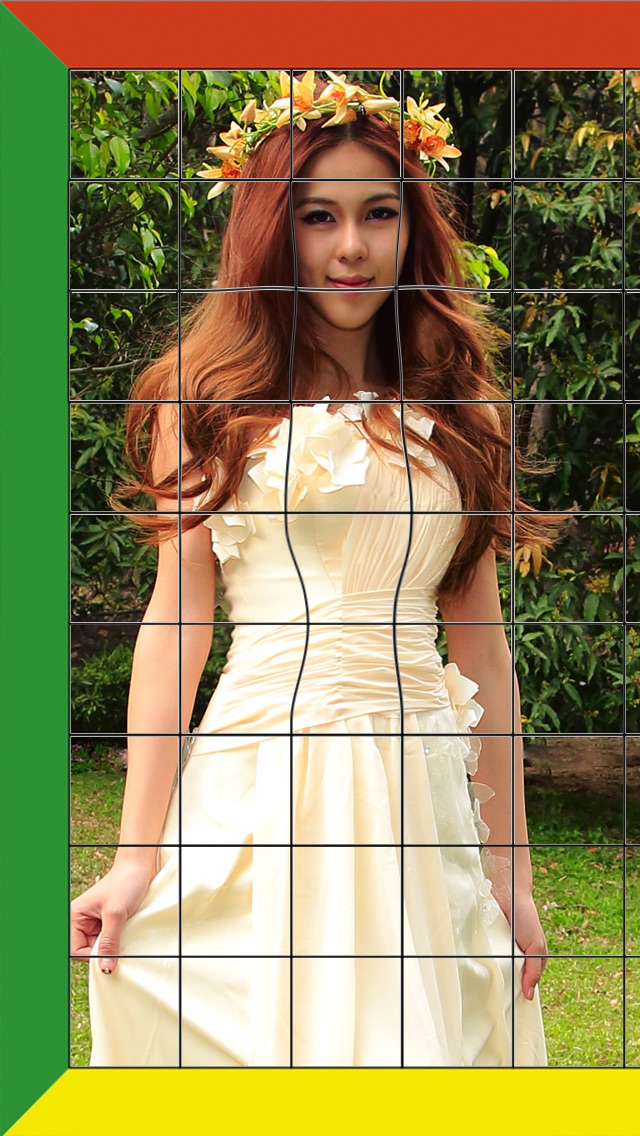
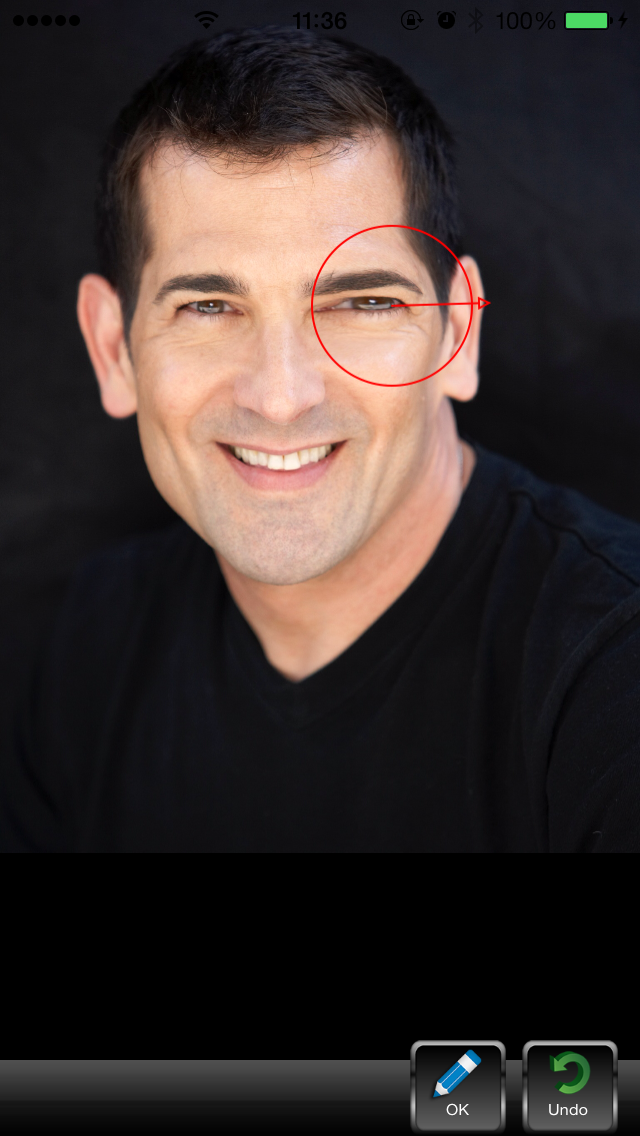
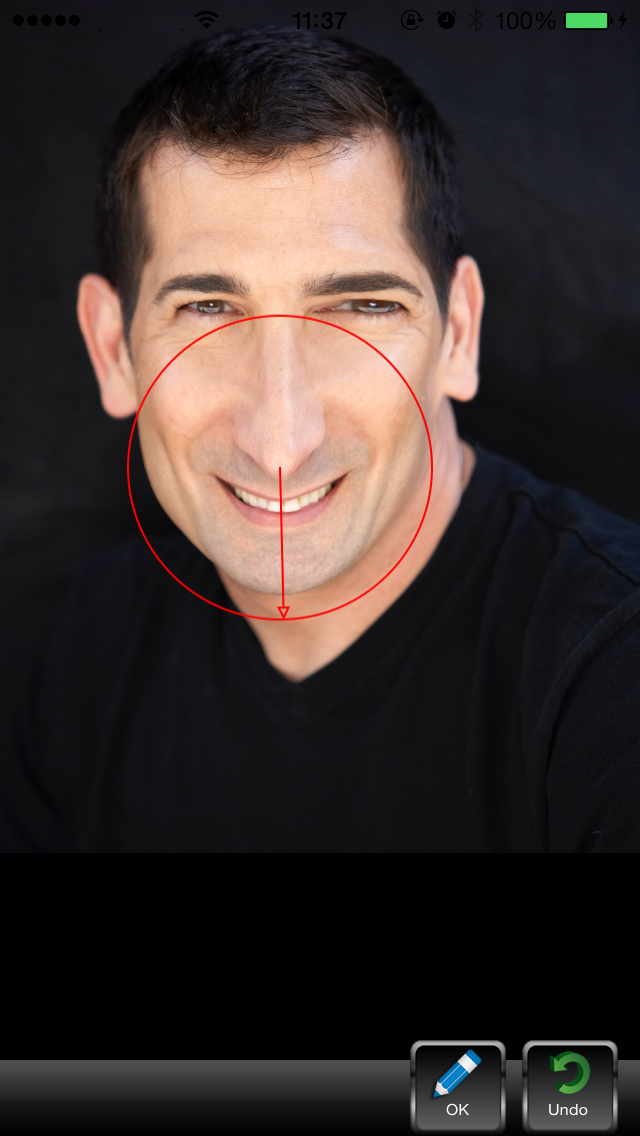
Push, pull, rotate, reflect, pucker, and bloat any area of an image. The distortions you create can be subtle or drastic, which makes the Liquify command a powerful tool for retouching images as well as creating artistic effects. The Liquify filter in iPhone/iPad is a fabulous little tool for helping to eliminate some of these undesired areas in an image. Essentially, it allows you to ‘push’ or ‘move’ pixels around to manipulate the shape of something. The Liquify filter allows us to distort the pixels in a given image without losing quality. You can use tools in the Liquify filter to: • Remove bulges from arms, legs, and thighs. • Make a nose smaller. • Make eyes or lips smaller or larger. • Make chins, stomachs, and thighs, smaller. • Refine a chin or jaw line. • Change an expression slightly. • Adjust eyebrows slightly.
Screenshots