Bangkok Bank Mobile Banking
Bangkok Bank PCL

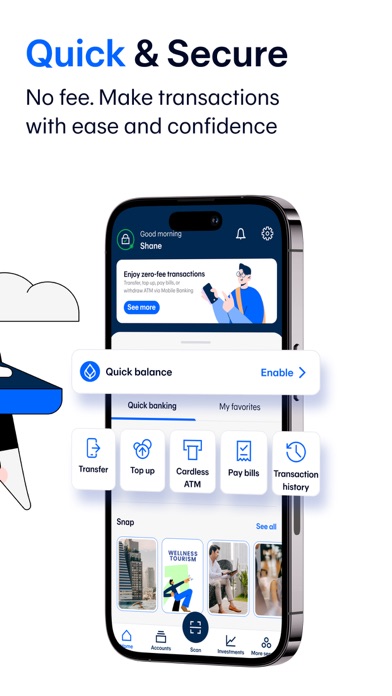
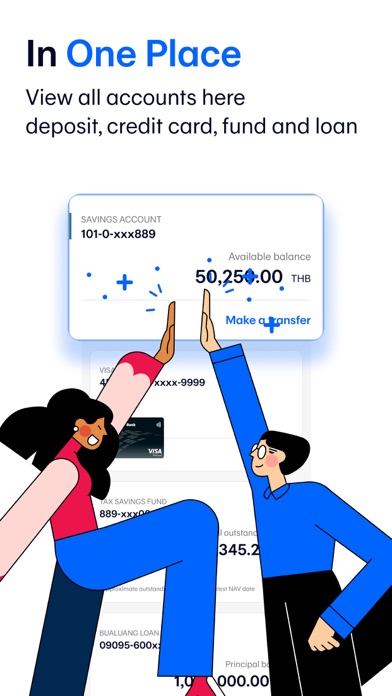
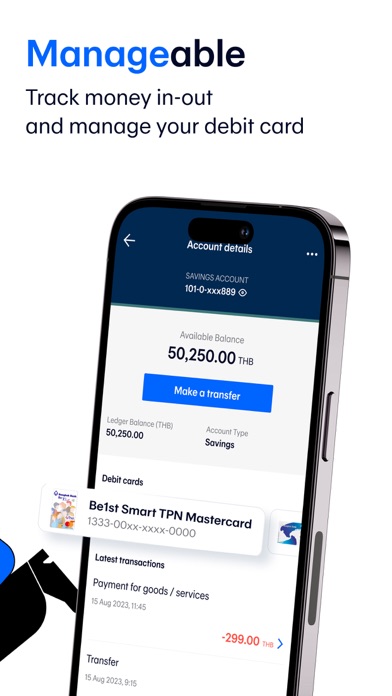
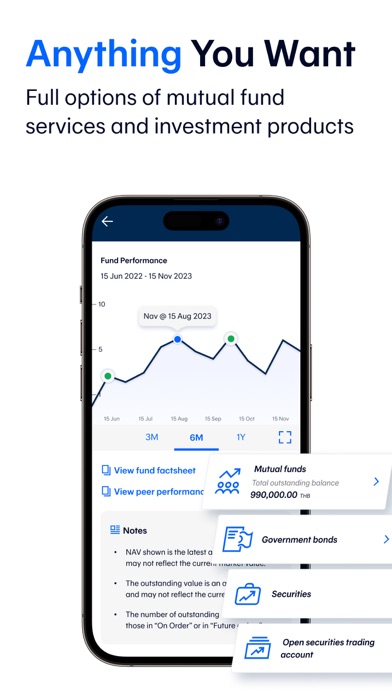
With the Bangkok Bank Mobile Banking app, your banking transactions are more convenient with these features: • View all types of deposits, credit cards, mutual funds, government bonds and Bualuang loan accounts • Request Thai baht and FCD account statements • Open an e-Savings account • Make cardless withdrawals at Bangkok Bank and KBank ATM and Banking Agents (7-Eleven, Thailand Post offices, Sabuy Counter and TermDee kiosk) • Invest in mutual funds, government bonds and corporate debentures • Make a Bualuang home loan payment and request the Bank to submit housing loan information to the Revenue Department for a convenient tax deduction claim • Add a Foreign Currency Deposit Account (FCD) and transfer funds to your own FCD account • Make an international funds transfer via SWIFT with 18 currencies for 135 countries • Make an international funds transfer to Singapore via PromptPay International • Send and receive money to or from more than 200 countries via Western Union • Buy insurance and check my policies • Check the balance of and top up your Rabbit LINE Pay and view BTS trip history • Apply for and manage the following banking services: - Request and activate a debit card - Apply for a Bangkok Bank Credit Card – choose the card that fits your lifestyle then upload the relevant documents and check your approval status in the app - Request to open a Securities Trading Account with Bualuang Securities - Register for direct debit service - Register/edit/deregister with PromptPay - Suspend debit card/credit card - Renew debit card - Request a Bualuang Home Loan - Request a Credit Bureau Report - Lock and Unlock accounts to prevent transfers, top ups and payments • QuickPay – scan to pay merchants without a mobile PIN • Scan a QR Code for payment with a Widget • Change your registered mobile number/email How to apply: For customers without a Bangkok Bank account • Open an e-Savings account and apply for mobile banking services in the app For customers with a Bangkok Bank account • Download the application and apply with your Bangkok Bank deposit account, debit card or credit card. • Visit any Bangkok Bank ATM or branch to get a temporary PIN to log in to the application. For further assistance please call 1333 or (66) 0-2645-5555 or visit www.bangkokbank.com/mobilebanking Head Office: 333 Silom Road, Silom, Bang Rak, Bangkok 10500 Disclaimer: The use of this application is for prospective customers and customers of Bangkok Bank only and this application shall not be used for any illegal purpose.
Screenshots