Base64 Image Converter
Marcin Slusarek

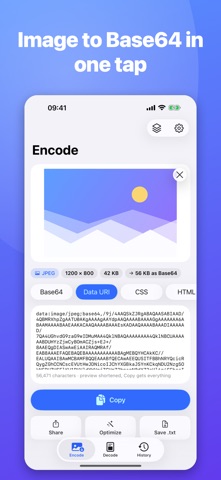
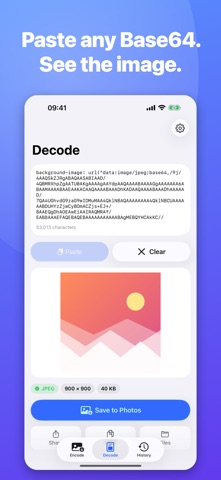
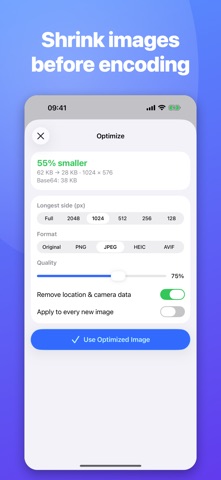
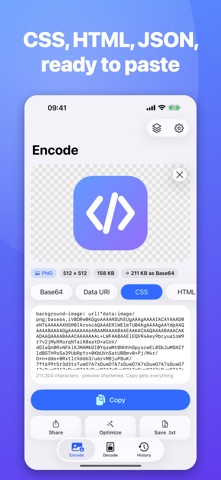
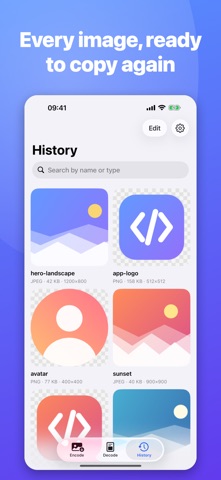
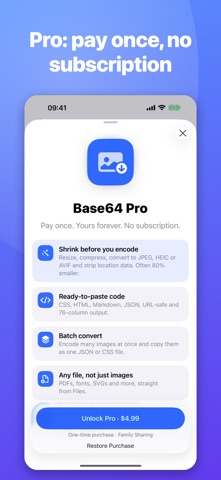
Turn any image into Base64 in a blink, and any Base64 back into an image. Built for web and app developers who need it to just work. ENCODE IN ONE STEP • Drop, paste, pick from Photos or Files, or snap a photo • Get raw Base64 or a ready-to-paste data URI instantly • See format, pixel size, file size and Base64 size at a glance • Copy with one tap, or have it copied automatically DECODE ANYTHING • Paste raw Base64, a data URI, a whole CSS rule, an img tag or a JSON value; the payload is found automatically • Line breaks, quotes, URL-safe characters and missing padding are all handled • Preview PNG, JPEG, GIF, WebP, HEIC, AVIF, SVG and PDF • Save to Photos or Files, share, or copy the image HISTORY • Every image you encode is saved, so you can copy it again later • Search, rename and delete; your images from version 1 are kept PRIVATE BY DESIGN • Everything happens on your device. No uploads, no account, works offline. BASE64 PRO: ONE-TIME PURCHASE, NO SUBSCRIPTION • Optimize: resize, compress, convert to JPEG, HEIC or AVIF and strip location data, often 80% smaller • Ready-to-paste code: CSS, HTML, Markdown, JSON, URL-safe and 76-column output • Batch convert many images into one JSON or CSS file • Any file: PDFs, fonts, SVGs and more • Shortcuts actions on iPhone and iPad; menu bar helper and Services on Mac • Family Sharing included Native on iPhone, iPad and Mac. Small, fast and dependable.
Screenshots