TV Remote - Remote Control
TechSmart LLC

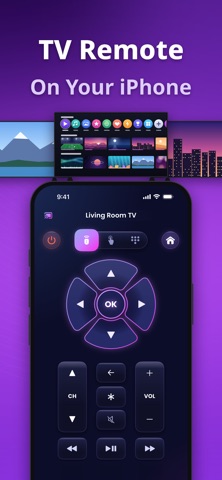
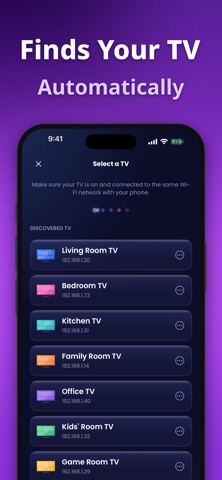
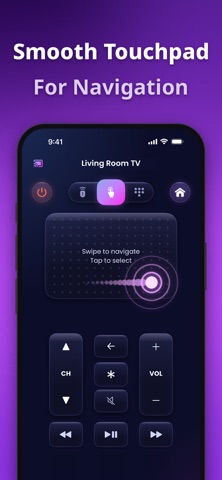
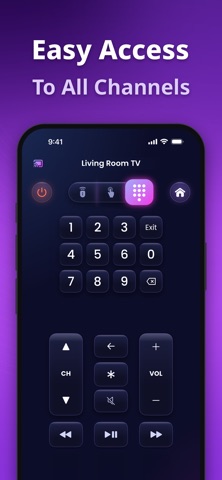
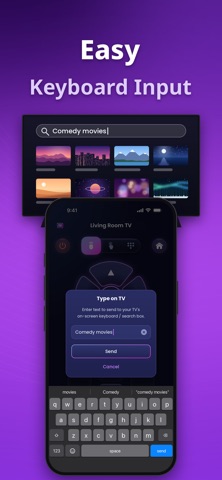
TV Remote transforms your smartphone into a powerful Universal TV Remote Control, completely eliminating the need for physical remotes. Whether you have lost your remote, have a classic model, or the latest Smart TV with advanced hardware, TV Remote ensures seamless connectivity and full control. KEY FEATURES: Universal TV Remote Control: Intuitive Trackpad: Navigate menus and apps smoothly with a responsive, mouse-like touchpad. Perfect for browsing Netflix, YouTube, and Amazon Prime. Smart Keyboard: Type passwords and search terms quickly on your phone—no more struggling with clumsy plastic remotes. Auto-Connect: Automatically detects Smart TVs on your Wi-Fi network for instant setup. The ultimate replacement remote for your home. HOW TO USE: Step 1: Ensure your phone and Smart TV are connected to the same Wi-Fi network. Step 2: Open TV Remote and tap the "Tap to Connect TV" icon to scan for devices. Step 3: Select your TV brand from the list. Step 4: You are all set! Enjoy full TV control immediately. COMPATIBILITY: TV Remote is a universal remote control app designed to work with a wide range of major TV brands and operating systems, such as Samsung, Vizio, LG, Sony, Roku, TCL, Hisense, FireTV, Insignia, Onn, GoogleTV, Xumo, Vidaa, Toshiba, AppleTV, Sharp, Philips, Panasonic, Westinghouse, Element, Pioneer Simply connect devices to the same Wi-Fi network to begin using your phone as a remote. Terms of Use: https://techsmart.bio/remotetv/remote-tv-terms-of-use.html Privacy Policy: https://techsmart.bio/remotetv/remote-tv-privacy-policy.html
Screenshots