Date Countdown Widget
Francis Bonnin

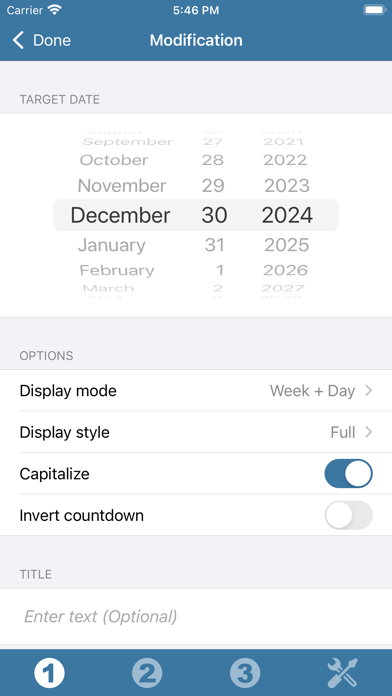
Thanks to this application (and the other Widget apps from PacoLabs), you can now customize the Home screen and the Today view of your device, by adding custom widgets for some specific purposes. From anywhere in your device, you'll have access to your own information and actions. Each Date Countdown widget allows to display the number of years / months / days remaining until a given target date. It is also possible to display the number of days elapsed since a given date. See how many days you have left until your birthday, or how long ago an important event in your life happened! A custom name can be displayed and the look can be customized. Those Widgets are compatible with the new iOS 14 Home Screen Widgets. The application is really easy to use and is adapted to the fresh look of your device. Dark mode of iOS13 is supported. In Today view: You can add as many widgets as you want and they will be displayed in up to 3 different lists. Those same lists will be available in the Today view and in the application (although it is possible, if you want, to hide some widgets in the Today view). To avoid overloading the Today view, when too many widgets are displayed, an intuitive control will allow you to navigate from one widget to another. Even if the main purpose of the app is to view the widgets in the Today view, it can also be very handy to view them directly in the application (a long press on a widget in the Today view will open it directly in the main application).
Screenshots