Perspective Crop Lens
Masanori Katsuta

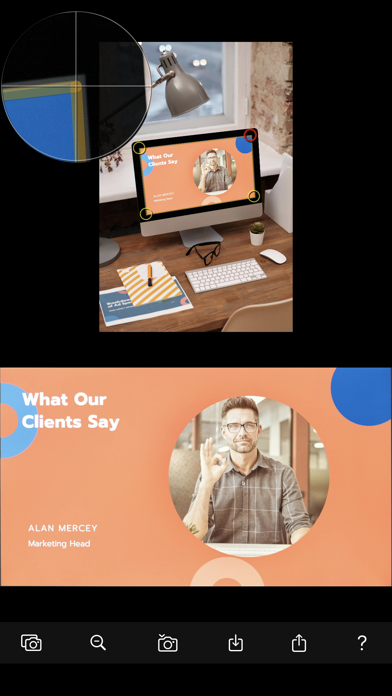
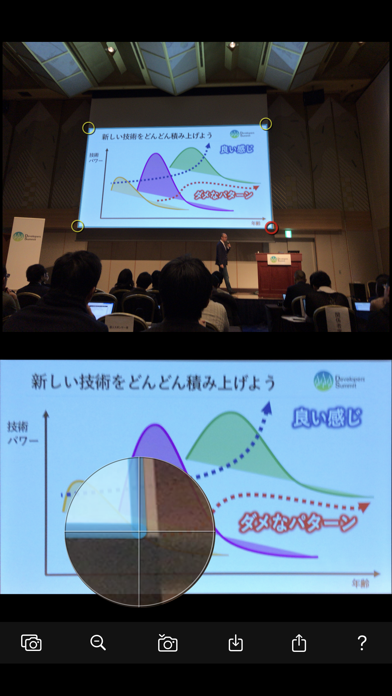
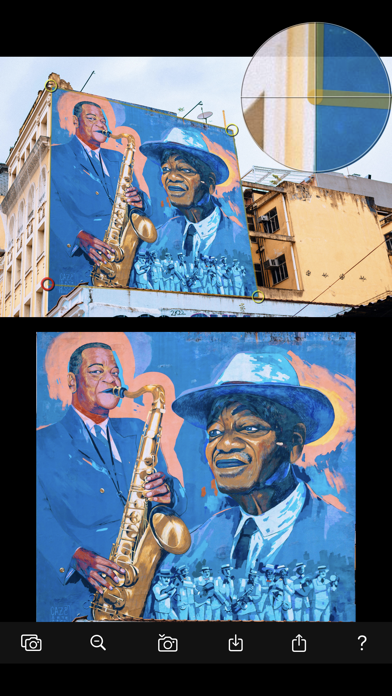
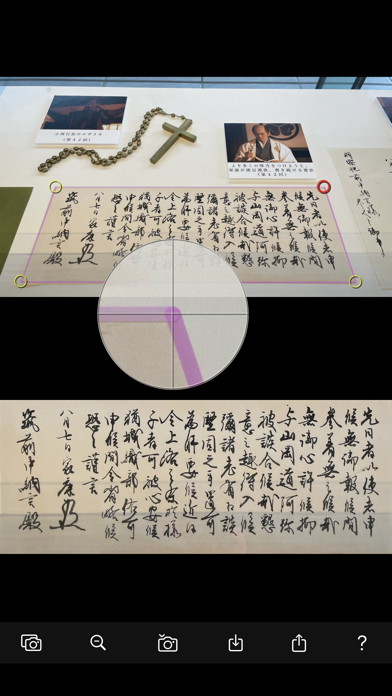
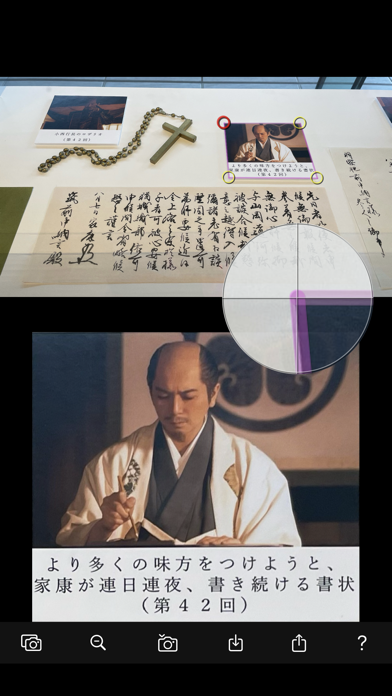
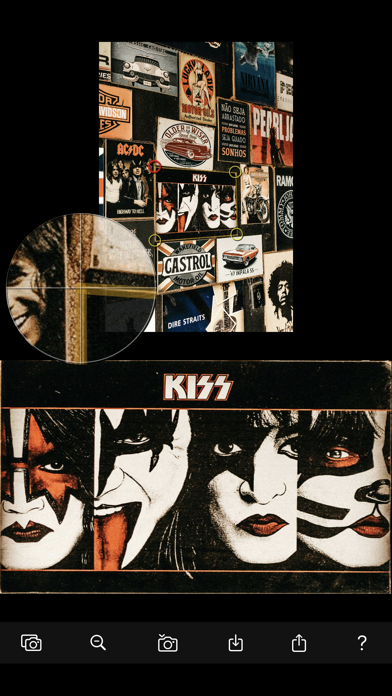
Even if you intend to take a photo from the front, the image can be distorted due to the angle of the device or the camera lens. TV screens, exhibits, whiteboards, signboards, posters, documents, photos, blackboards, paintings, calligraphy works, timetables, smartphone screens, etc. Also, there are many cases where it is not possible to take pictures from directly in front due to physical constraints. From such perspective-distorted photos, you can quickly cut out only the necessary parts at right angles. Cuts out a free-form rectangle from a photo and generates a new rectangular image with right angles. The “Cropped Image View” allows you to enjoy working while seeing the results in real time. Moreover··· Conversely, you can also add a perspective effect to a monotonous photo. [Features] ・“Cropped Image View” that can be checked in real time ・Use the "Magnifying Glass" to fine-tune crop marks as you wish ・ Intuitive pinch operation for adjusting the aspect ratio ・Horizontal/vertical alignment between cutout marks is also informed by color. [Photo Source] ・Start the camera and take a photo ・Select photo from photo album ・Import shared files from other apps ・Paste photos copied from web images, etc. [Outputs] ・Image file storage: Photo album (camera roll) ・Image file sharing: AirDrop, LINE, Facebook, Dropbox, Instagram,...
Screenshots