Merge Voice Memos
PLATINUM CITY LLC

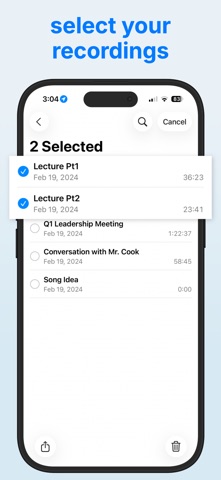
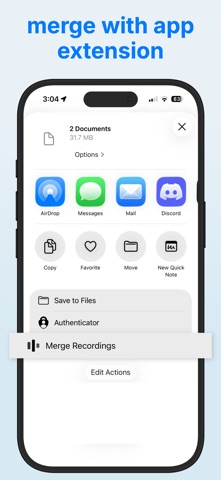
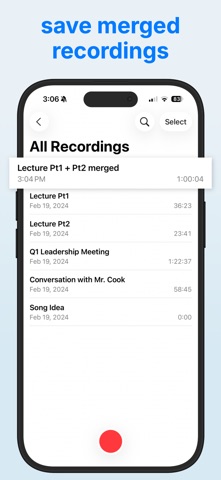
Merge voice memos in three taps, right inside Apple Voice Memos. One-time purchase. No subscription, no account, no upload. Perfect for lectures split across classes, meeting minutes, interviews, song ideas, auditions, and long sessions that Voice Memos cut into pieces. How it works 1. In Voice Memos, select the recordings to merge. 2. Tap Share, then "Merge Recordings". 3. Preview, then save back to Voice Memos, to Files, or anywhere. Features • Drag to reorder, swipe to remove a clip. • Instant preview of the merged result before you save. • Skip 15 seconds forward or back while previewing. • Exports a standard M4A file. • Works with Voice Memos recordings and other M4A or AIFF audio. • Fully offline. Recordings never leave your device. • iPhone and iPad. Family Sharing supported.
Screenshots