Get contact Backup: vCard, CSV
AHAD DURRANI

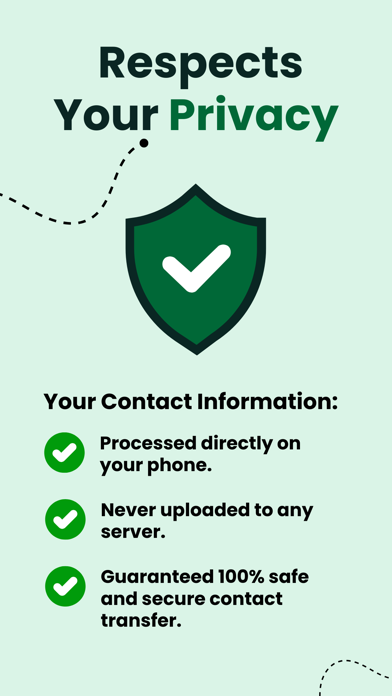
Unlock the full potential of your contacts with Export Contacts to CSV, Excel – the ultimate tool for effortlessly transforming your contact lists into versatile formats like CSV, Excel, and PDF. Whether you're a business professional, event planner, or just someone looking to convert their contacts efficiently, this app is your go-to solution. Key Features: Seamless Contact Conversion: Easily convert your contacts into CSV, Excel, or PDF formats with just a few taps. Say goodbye to manual data entry. Share Anytime, Anywhere: Quickly share your converted files via email, messaging apps, or cloud storage services. Collaborate with colleagues, share event guest lists, or simply keep a backup – all with a few taps. Continuous Updates and Support: Count on regular updates and excellent customer support to ensure a seamless experience. We're committed to enhancing Contact Converter Pro to meet your evolving needs. Privacy and Security: Rest easy knowing that your contact data is handled securely. Export Contacts to CSV, Excel prioritizes user privacy and employs robust security measures to safeguard your information. User-Friendly Interface: Navigate through the app effortlessly with its intuitive and user-friendly design. Whether you're a tech enthusiast or a casual user, Export Contacts to CSV, Excel caters to all skill levels. Privacy policy: https://lazyvariable.com/privacy-policy Terms of use: https://lazyvariable.com/terms-of-use Contact us on : Email: contactconverterapp@gmail.com Download Export Contacts to CSV, Excel now and revolutionize the way you manage and share your contacts. Transform your contact lists into versatile formats with ease and efficiency.
Screenshots