App Hide - App Lock
志勇 苏

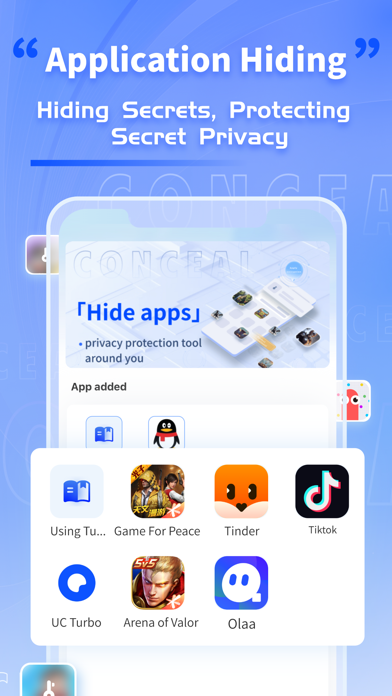
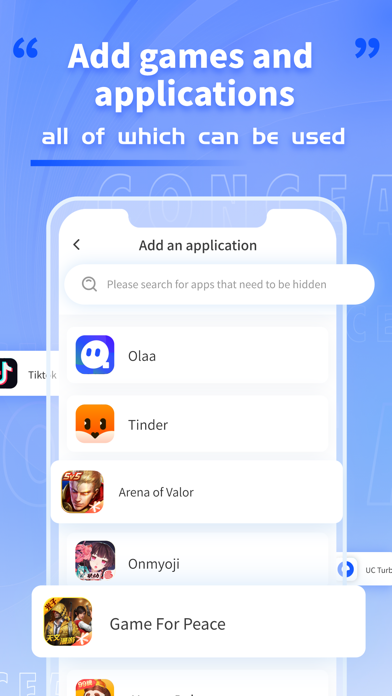
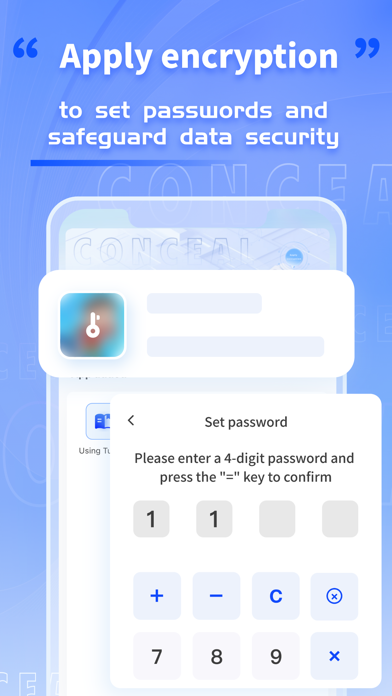
Hide applications, hide games~Hide all your little secrets. You can put all the apps, games, etc. that you don't want others to see in the app hiding and disguising assistant Set up PIN password protection function, encrypt applications, games, and only display them after you enter your password, so you no longer worry about others discovering it! Regarding member subscriptions: -Subscription: After a 3-day free trial/$6.99/week -Payment: After the user confirms the purchase and makes the payment, it will be credited to their iTunes account. -Cancel Renewal: To cancel the renewal, please manually disable the automatic renewal feature in iTunes/Apple ID settings management 24 hours before the current subscription expires. -Renewal: Apple iTunes account will be charged within 24 hours before expiration, and the subscription period will be extended accordingly after successful deduction. Privacy policy:https://m11iavy23en.feishu.cn/docx/V1hYddNBDoeYKUxsHQNci1y7nDe?from=from_copylink User agreement:https://m11iavy23en.feishu.cn/docx/VvfldAXDoopVibxiuNycmS6knth?from=from_copylink Subscription Service Agreement:https://kdocs.cn/l/cshGOUPAcyxM
Screenshots