VPN - Camel 2025
Benefit Virtue Technologies Limited

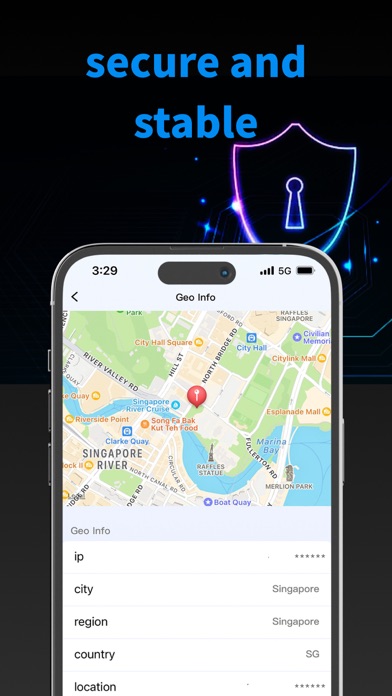
Camel VPN provides unique network traffic management solutions to ensure an efficient VPN experience. Packed with user-friendly functionality and advanced functionality. 1. User Interface: Easily navigate application features and simplify complex network management tasks with a voice-recognized interface. 2. Advanced VPN Service: Protect your Internet connection with a cutting-edge VPN service, ensuring your online activities require authorized access. 3. Traffic management: Use advanced management tools to control the device's Internet traffic in detail to achieve a faster and more efficient online experience. 4. Real-time network monitoring: Understand current network usage, upload and download speeds with real-time graphs and analytics. 5. Speed Test Feature: Evaluate the speed of your internet connection with a simple click, giving you ideas for optimizing your online activities. 6. Ping and packet loss metrics: Monitor network performance with accurate ping and packet loss metrics to ensure stable and responsive connections. 7. DNS Changer: Customize DNS settings for improved privacy and potentially faster internet speeds. 8. Server selection: Choose based on geographic needs and connect from multiple global server locations to optimize your VPN experience. The App is designed to provide users with a comprehensive suite of tools for managing and securing their internet connections, ensuring performance and security are prioritized. Terms of Use: https://www.apple.com/legal/internet-services/itunes/dev/stdeula/
Screenshots