SnapTik - BookMark Any Video
Tran Xuan Truong

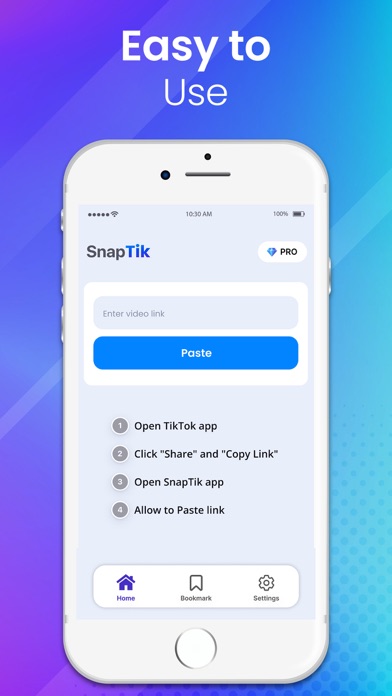
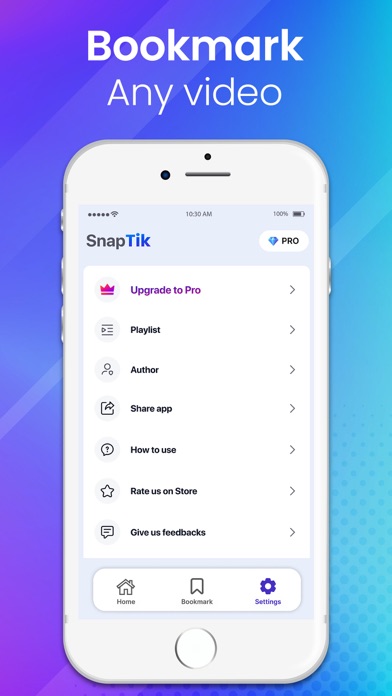
Do you want to saver information about your favorite videos? SnapTik can help you with that. Simply find the video you want to saver, copy the link, and then open SnapTik. Key Features of SnapTik: Store information about your favorite videos. Create and manage playlists. Organize playlists of your favorite videos by playlist or author. Share your favorite videos with your friends. User Manual: Copy the video link. Open the SnapTik application. Paste the copied link. If your link is valid, SnapTik will add your video to the playlist. You can create playlists by topic and add videos to them. To share with your friends, press the share button. Thank you for choosing SnapTik. Terms of use: https://www.apple.com/legal/internet-services/itunes/dev/stdeula/
Screenshots