2FA QR Code App
Tensortech Apps

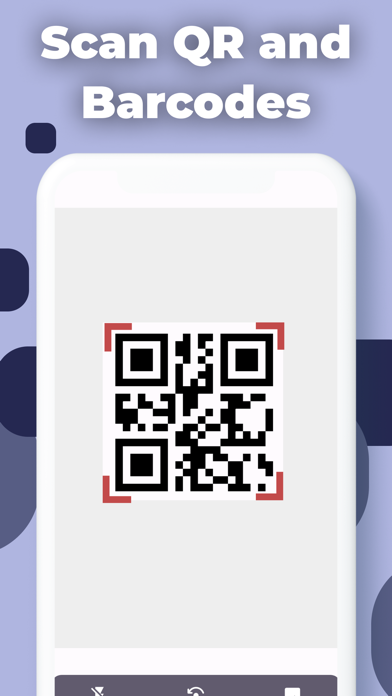
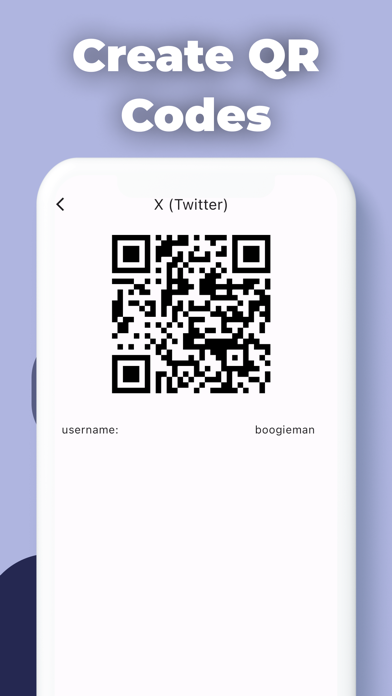
Scan QR and barcodes in seconds! Easily create your own custom QR codes. Secure your accounts with the built-in 2FA Authenticator! Instantly check product info and prices for smarter shopping! ScanMaster is a powerful and user-friendly iOS app designed to transform your smartphone into a versatile barcode and QR code scanner — now with a built-in two-factor authentication (2FA) tool to keep your online accounts safe. With ScanMaster, you can effortlessly scan various types of barcodes and QR codes using your device's camera, generate your own QR codes, and manage your 2FA codes all in one place, making it an essential tool for both personal and professional use. Key Features: Scan Barcodes and QR Codes: With ScanMaster, simply point your device's camera at any barcode or QR code, and the app will quickly and accurately scan and decode the information. Whether you're scanning product barcodes, ticket QR codes, or promotional QR codes, ScanMaster has got you covered. 2FA Authenticator: Protect your online accounts with the built-in two-factor authentication tool. ScanMaster generates secure, time-based one-time passwords (TOTP) for your favorite services — including Google, Facebook, Instagram, X, GitHub, Amazon, and more. Simply scan the QR code provided by the service to add an account, and ScanMaster will display your rotating 6-digit verification codes whenever you need them. All 2FA secrets are stored locally and securely on your device. History of Scans: The app maintains a comprehensive history of all your previous scans, allowing you to revisit and access the scanned information whenever needed. You can conveniently browse through your scan history, view the details, and even share the results with others. Organized Scan History: ScanMaster organizes your scan history chronologically, making it easy to find specific scans based on the date and time they were performed. You can also search for particular scan results using keywords to find information quickly. Save and Export: If you want to keep a record of specific scans for future reference, ScanMaster enables you to save the scan results locally on your device. Furthermore, you can export the scan history as a CSV file, making it simple to share, backup, or analyze the data. Scan Accuracy and Speed: ScanMaster utilizes advanced barcode and QR code recognition technology to ensure high accuracy and quick scanning. The app can effortlessly read codes, even in low-light conditions, for a seamless scanning experience. Real-Time Feedback: The app provides real-time feedback during scanning, giving you visual and audio cues when a successful scan is made. This feature ensures that you can effortlessly capture the code without any guesswork. Customizable Settings: Tailor the app to suit your preferences by adjusting various settings. Customize scan sounds, choose the default actions for different types of codes, and adjust display preferences to make ScanMaster work just the way you like. Privacy and Security: ScanMaster prioritizes user privacy and data security. The app does not store any personal or sensitive information from the scans, and all 2FA account secrets stay on your device — never uploaded to any server — ensuring your data remains confidential and protected. Whether you're a business professional, a retail enthusiast, or someone who simply wants a faster, more secure way to manage codes and logins, ScanMaster offers a simple, efficient, and reliable all-in-one solution. Unlock the potential of your iOS device and download ScanMaster today to enjoy hassle-free barcode scanning, QR code creation, and secure 2FA authentication — all at your fingertips! Note: You can find the Terms of Use here: https://www.tensortechapps.com/tandc
Screenshots