Paraphrase tool: AI Helper
Editr Apps Inc.

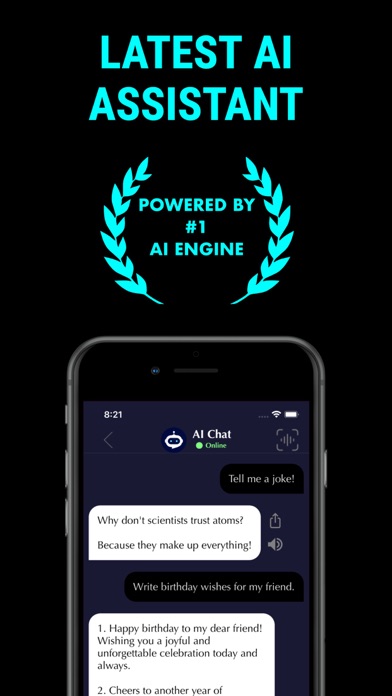
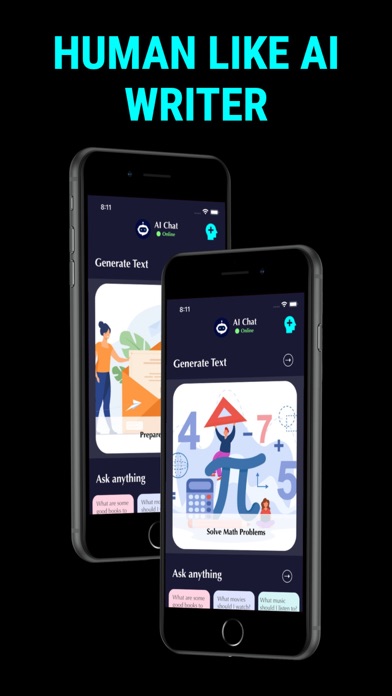
Paraphrase Tool: AI Helper Make your writing sound natural, fluent, and human. Transform any text—AI-generated, academic, or professional—into polished, easy-to-read writing. Whether you’re rewording essays, improving readability, or rewriting sentences for clarity, Paraphrase Tool helps you express ideas in your own style. +++++++++++++++ Key Features +++++++++++++++ Human-like Paraphrasing: Instantly rewrite text to sound more natural and authentic. Multiple Modes: Choose from Standard, Fluency, Academic, Creative, or Shorten styles. AI Writing Assistant: Improve essays, assignments, and professional letters effortlessly. Readability Checker: Measure and enhance readability with 10+ readability indexes (Flesch-Kincaid, Gunning Fog, SMOG, and more). File & Document Support: Upload files or scan documents directly for rewriting. History Tracking: Keep all your rewritten and analyzed files saved for future use. Dark Mode: Write comfortably day or night. +++++++++++++++ Perfect For +++++++++++++++ Students rewriting essays or assignments Professionals refining business or academic writing Bloggers and content creators making AI text sound more human Anyone improving their writing clarity and tone +++++++++++++++ Why You’ll Love It +++++++++++++++ Paraphrase Tool helps you go beyond grammar correction — it turns your text into engaging, natural writing that feels truly human. Note: AI features are available on limited basis before subscription. Terms of Service: https://editr.app/tos.html Privacy Policy : https://editr.app/privacy-policy.html
Screenshots