Fusion by FloVerse
FloVerse Inc.

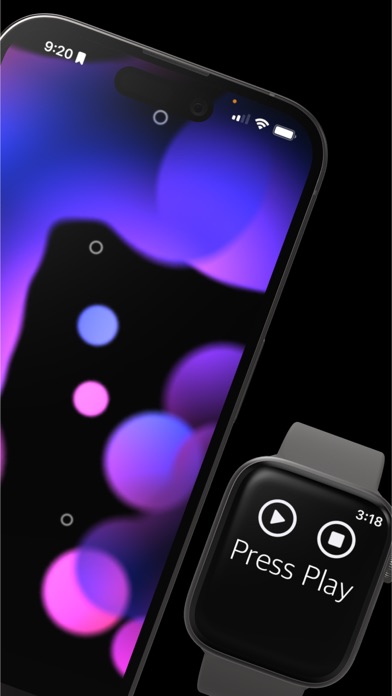
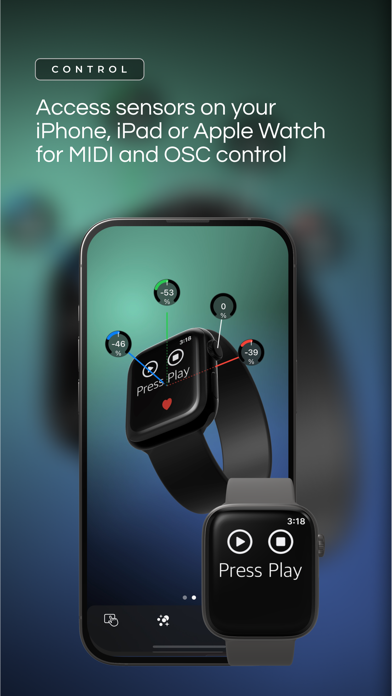
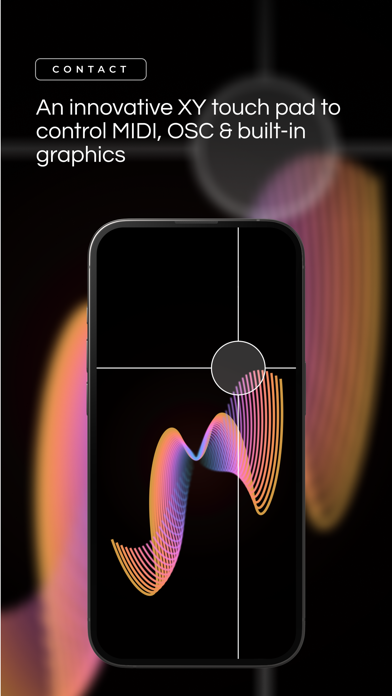
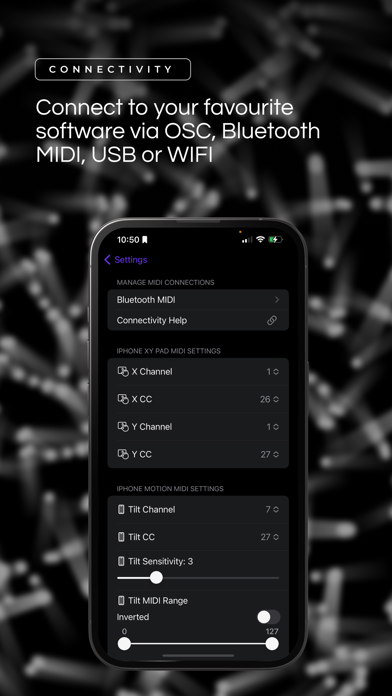
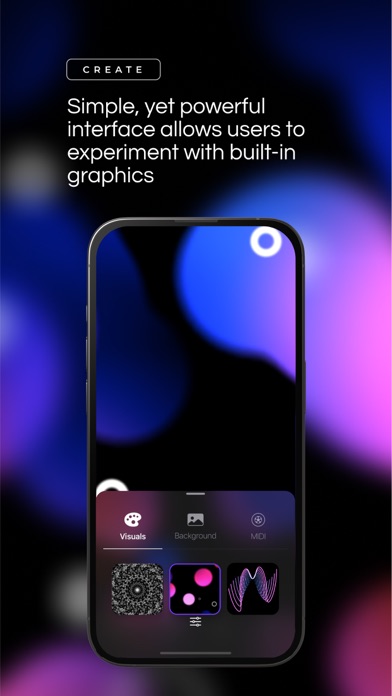
Fusion is an interactive and expressive multimedia MIDI and OSC controller. Our simple, yet powerful, interface allows users to experiment with built-in graphics while also providing MIDI / OSC control using real-time sensor data such as 3D motions, audio (microphone) and heart rate/digital crown (Apple Watch). CONNECTIVITY: Connect to MIDI compatible software and hardware via Bluetooth MIDI, USB or WiFi. Connect to OSC compatible software using the local network/IP Address (e.g. WiFi). Note: Our app asks for permission to use Bluetooth to send Bluetooth MIDI from the phone to compatible hardware. Display the in-app graphics on an external monitor using an HDMI connector/dongle. SUPPORT & COMMUNITY: Comprehensive support for Fusion can be found on our website at floverse.ca/support. Users can also connect with other artists in our FloVerse Discord community via the in-App link. Our website also offers pre-built Ableton templates and how-to guides. COMPATIBILITY: While highly compatible with iPhones and other devices, lag in MIDI output from the Apple Watch can occasionally occur. Enjoy effortless MIDI / OSC generation with our app and explore limitless creative possibilities. Minimum recommended is iOS 16.0 or above and Apple Watch OS 8.0 or greater. Known compatible DAW software for Mac: Ableton Live, Logic Pro X, FL Studio, Reason, Cubase, Reaper, Studio One and more. Known compatible software for iPad: FL Studio Mobile, Synth One, Nanostudio 2 and more. Fusion also works with non-musical software (e.g. TouchDesigner, Resolume and Isadora) that support control via MIDI or OSC. DATA USE & ACCESS: Healthkit permission is requested because it is required to access Apple Watch data such as the heart rate.
Screenshots