Screen Mirroring・View Smart TV
Mushuk Software Ltd

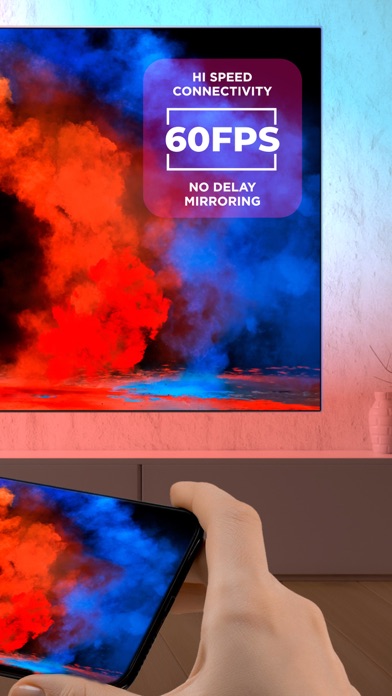
Cast your iPhone or iPad screen to Samsung, Vizio, Sony, Chromecast, TCL, LG, Roku and more! Simple control, instant screen casting of iPhone or iPad - allows you to watch content from your mobile device without delays and lags. You will not see any ads during the mirroring or casting! Just enjoy the picture on the big screen! Download the application now for Smart TV screen casting and you will surely enjoy it! - Our software has your security in mind - you can cast over an unsecured network without fear of prying eyes tapping into your content. - App also has compatibility settings so even old TV capable of network connection is supported! - Designed with speed in mind it pushes low-end iOS devices to their boundaries, making screen mirroring streaming experience very comfortable. - Instant mirroring speed to your Chromecast devices. - Casting videos and photos from the gallery in two clicks. - Support casting on Smart TV TVs of different brands. Technical details: - We support all Smart TVs. - There’s no need to install or set up anything. - Chromecast-driven devices benefit from almost zero latency to maximize your viewing experience. - Listen to the music right on your Chromecast, Google Cast-powered Smart TV or even Google Cast-powered audio speakers. Just download now and enjoy! We tailored subscriptions to fit everyone’s needs - from short-term ones (yes, you can cancel anytime - no dramas) to the yearly ones so that you can enjoy the latest updates, features and improvements. Terms of use: https://www.apple.com/legal/internet-services/itunes/dev/stdeula/ Privacy policy: https://mushuksoftware.uz/privacy.html
Screenshots