# Simple Table - Note as table
YUKI TANAIKE

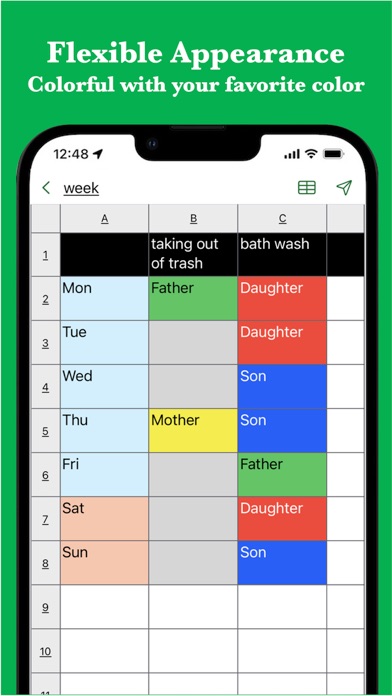
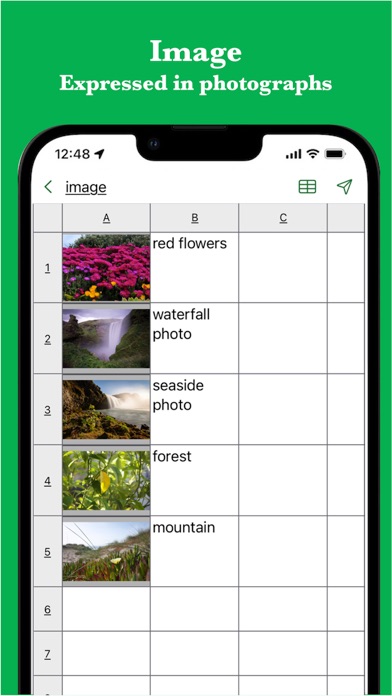
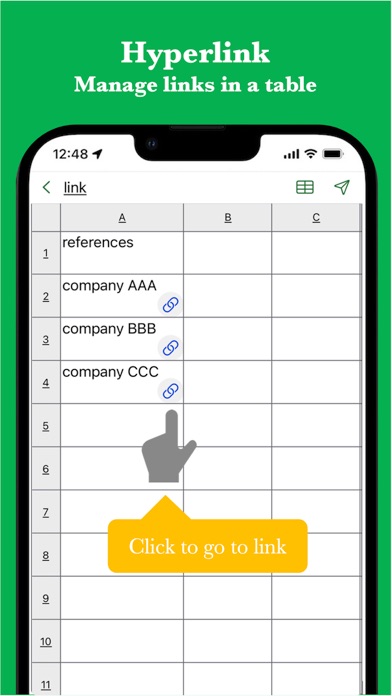
This Simple Table App allows you to easily take notes in a table format like Excel. It also supports various expressions such as colors, images, links, and task progress. It is used in the following situations. - Create timetable - Creating a task table - Creating a shift table - Creating a schedule - Create an address book - Create a comparison table In addition, because it can be used for anything managed in a table There are reports of various uses. If you want to make notes in a table, please try it once. [Features] - Intuitive operability Ease of use is the most important thing for simple functions. It works quickly and you can edit intuitively. - Rich expression You can express your preferences in a tabular format using colors and photos. - To-do management You can insert the progress rate for each cell and use it for ToDo management. - Link Since you can insert links, it is also useful when you want to manage reference sites. - Ready to use You can use it immediately without registering an account. - Export and share Created table data can be exported, shared, and edited on a PC. - import You can import csv data and edit it. - Multi-Device Support Sync seamlessly across multiple devices via Google Drive. - Dark theme support Since it supports a dark theme, it is also ideal for use at night.
Screenshots