Area - Distance
CORVALLIS MICROTECHNOLOGY, INC.

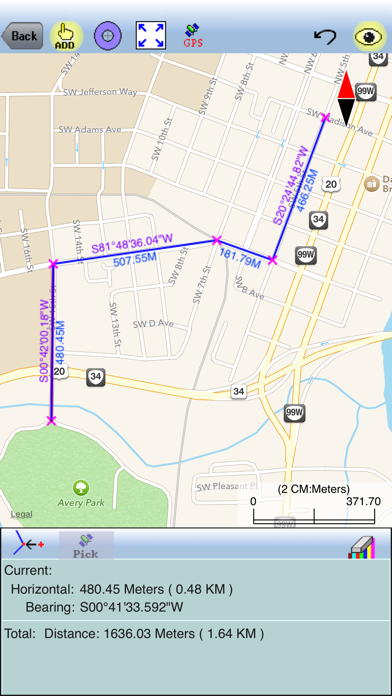
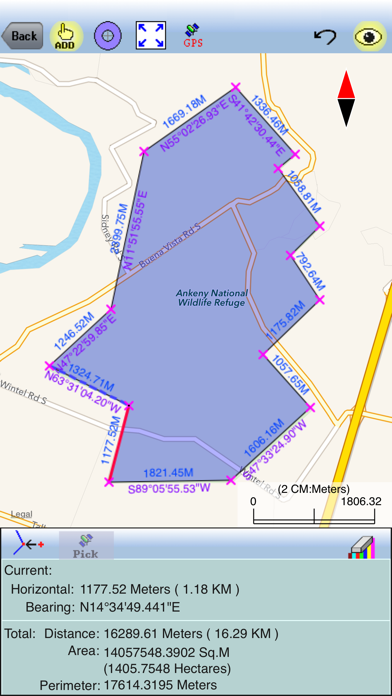
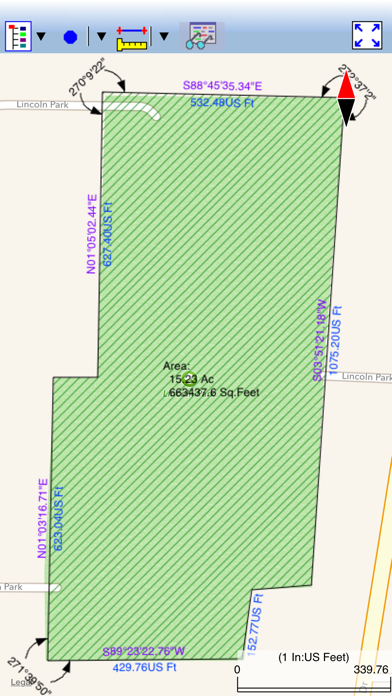
A popular application of the handheld devices is to make use of the built-in Map to measure distances and areas. You may have been resigned to accepting the rough results for the lines and areas you digitize by using your finger tip or a capacitive stylus. Now, you can experience exciting digitization precision with the “Area - Distance” app. You will be able to do the following using the Area - Distance app on your iPAD, iPhone or iPod touch: * Precisely digitize Points, Lines and Areas over the built-in Map and save them as Features in WGS 84 LLA system. * View position, length or area values for the saved Features. * Label the Lines with segment lengths and directions as well as corner angles. * Label the Areas with size in acres and square feet or hectares and square meters. * Measure distances and areas without saving the shapes. * Move existing nodes to fine-tune the map drawing. * Create Points from entered coordinates. * Create Points from an imported text file. * Create a Point or record a node by picking the GPS location. * Search a location by address or by coordinates. * Save the job data file for later use. * Output the drawing and the coordinates to PDF. * Email the job data files and the PDF files to your colleagues. The Area - Distance app comes with a detailed built-in help document. Please note: Location data depends on the GPS receiver used. Continued use of GPS running in the background can dramatically decrease battery life. This app will let you easily toggle the built-in GPS on or off.
Screenshots