Password Manager-
广栋 莫

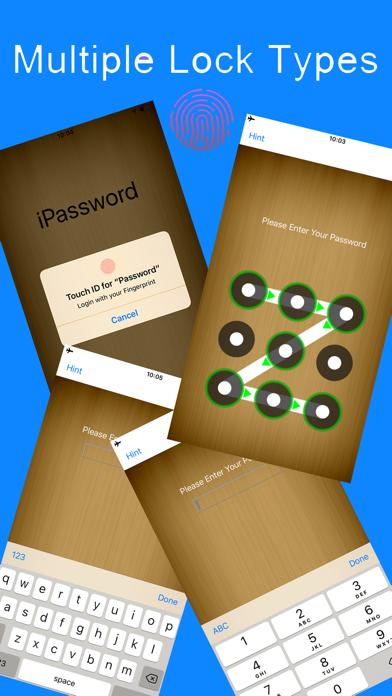
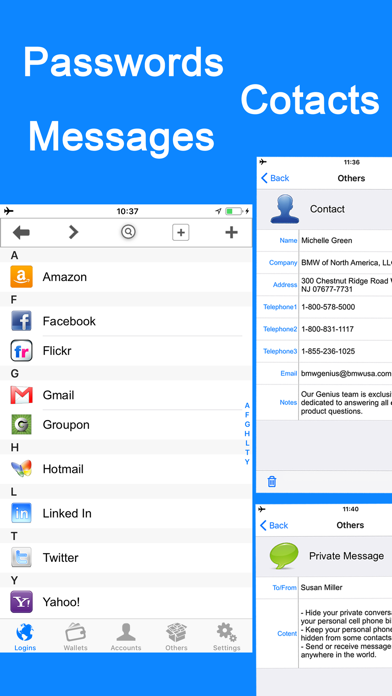
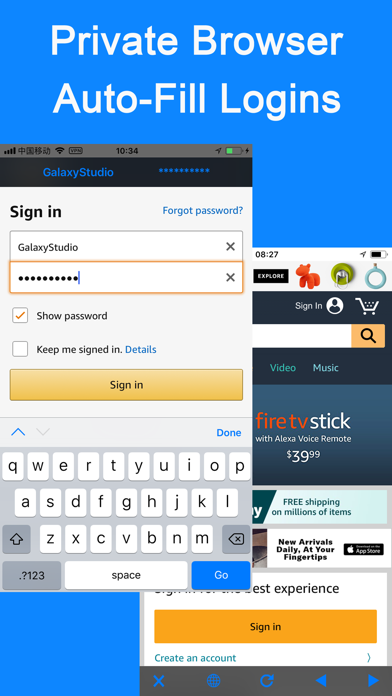
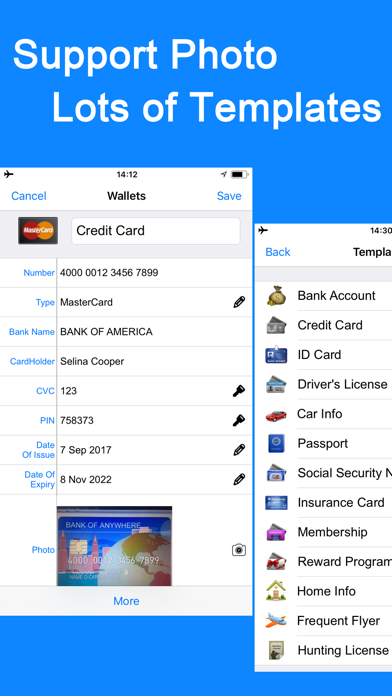
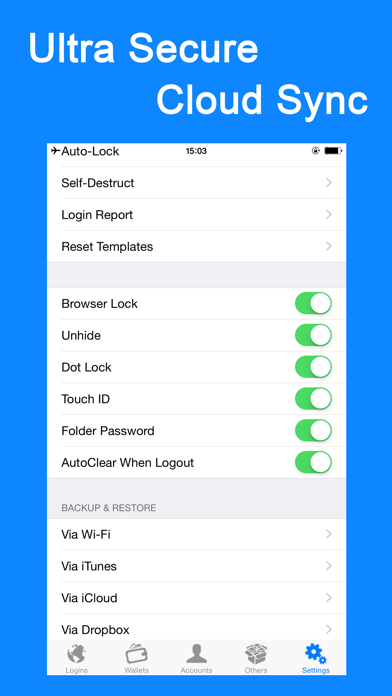
• iPassword can securely store your important information and can automatically log you into websites with a single tap. There's no need to remember the usernames, passwords, or even the website addresses. FEATURES: • Use ultra secure military AES 256-bit encryption to protect your confidential information such as account numbers, usernames, passwords, credit card info and more • All protection mechanism is offline on your device only • Support Password Lock, Dot Lock & Touch ID • Support folder lock, password field lock & browser lock • Support photo storage • AutoFill your usernames & passwords to websites exist in the "Login" templates or only one tap(include Copy-Past) to complete web forms with built-in web browser • 60 standard templates for fast data entry with the ability to create or edit custom templates with unlimited fields and the default templates can be reset • Support Categories, Folders & Subfolders for better file organization and you can select a template for any folder to create records as fast as possible • Powerful Password Generator to create un-guessable passwords • Over 235 icons to personalize your records • You can email, copy, cut, past or delete multiple files/folders at a time • Tap field to copy • Integrated search • Password hide/reveal • Optional auto-clear clipboard when exit app or clear manually • Links, phone numbers and email addresses can be activated by touch • Auto-lock to protect the app from prying eyes • Optional self-destruct if hacker attempts to guess your password • Login/break-in reports • Sharing of records via email or clipboard • Backup & Restore your data via iCloud, Dropbox, Wi-Fi or iTunes Join to iPassword today. Your digital life will be in comfort and safe with it. Feedback: pwdsafe@yahoo.com
Screenshots