iSymmetry - Pattern Painting
DAVID CROOKS SOFTWARE DEVELOPMENT LIMITED

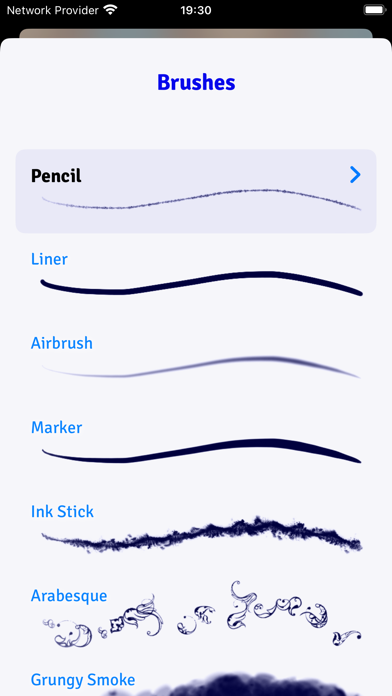
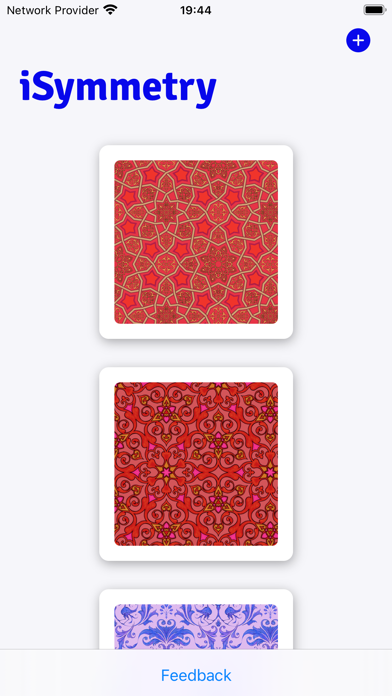
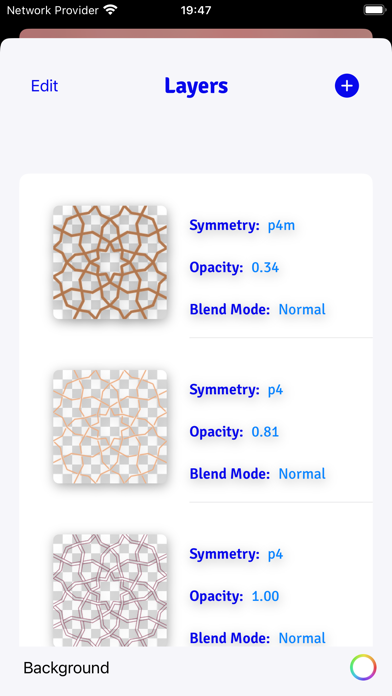
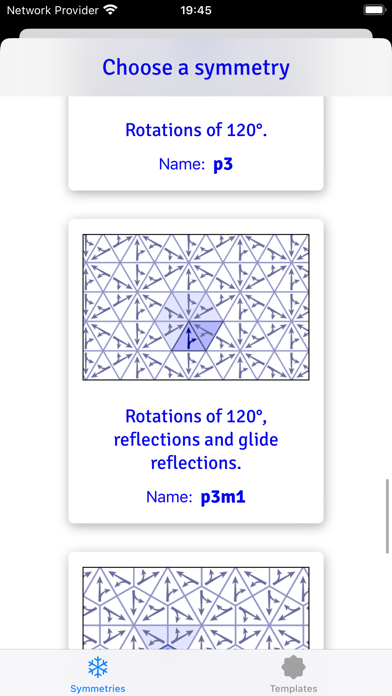
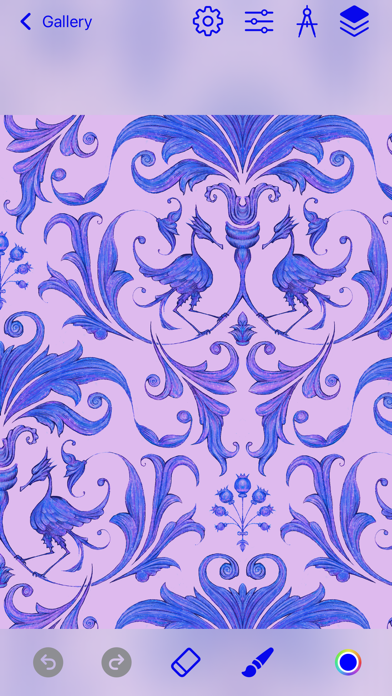
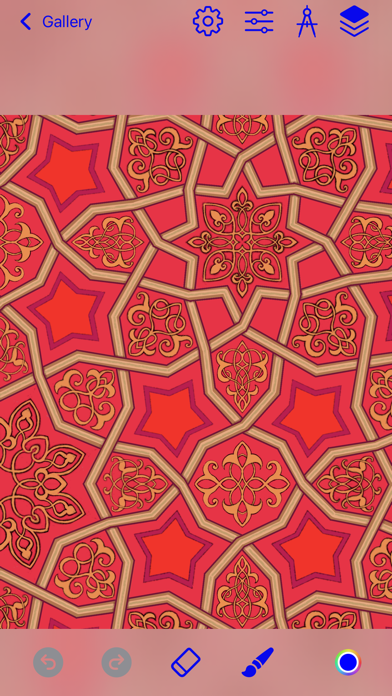
iSymmetry is a complete studio for seamless pattern creation. Every brush stroke is transformed into a kaleidoscopic design. Built for the iPad and Apple Pencil, iSymmetry gives artists and designers powerful tools to create beautiful patterns with ease. iSymmetry is fun and intuitive and packed with powerful features: SYMMETRIES - 17 Kinds of Pattern (wallpaper groups) - 23 Pattern templates - Symmetry guide lines BRUSHES - 18 expressive brushes: Pencil, Liner, Airbrush, Marker, Ink Stick, Arabesque, Grungy Smoke, Oil, Ink Splatter, Squiggles, Rings, Charcoal, Pastel, Laser, Grungy Rings, Smoulder, Spectral Grain, Ink Splodge - Full support for Apple Pencil - Slider controls for scatter, hardness and pressure to give you even more creative control PRECISION SHAPE TOOLS - Line - Star - Polygon - Triangle - Circle - Arc Import Photos - Kaleidoscopic photo import LAYERS - Blend modes: normal, multiply, screen, overlay, soft-light - Opacity - Offsets - Individual layer symmetry - Merge, duplicate, delete and reorder layers COLOR - HSB and RGB color picker. - Swatches - Eyedropper Share/Export - export seamless pattern tile - export patterns of custom size - png/jpg - Export as Procreate pattern brush FILTERS - Blur - Hue - Color Controls - Tone Curve - Vibrance PATTERN TRANSFORMATIONS - Möbius transformations - Spiral transformations - Bipolar transformations - Animate patterns transformations - Record and share pattern animations AUGMENTED REALITY - View patterns on 3D objects in Augmented Reality - Choose from Dress, Cushions, Shirt, Vase
Screenshots