SpeakBeat Metronome - 1 2 3 4
Shiverware

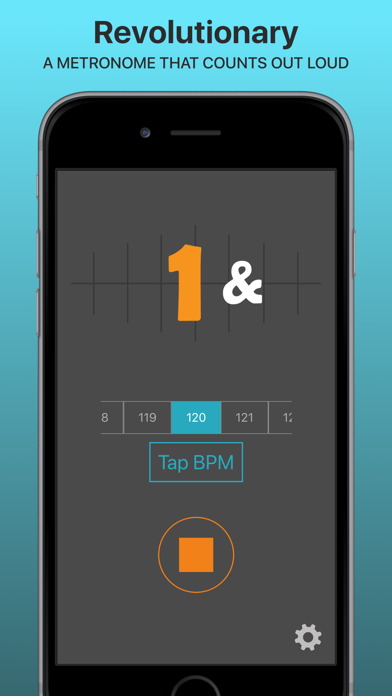
SpeakBeat Metronome counts out loud so you don't have to. A real voice says "1, 2, 3, 4" (and "1 e + a") right on the beat, so you can keep your eyes on the music, your hands on the instrument and your feet on the steps. Musicians, teachers, students, dancers, choreographers, fitness instructors and cheer coaches use SpeakBeat to practise, rehearse and teach in time. It runs on iPhone and iPad. WHY A TALKING METRONOME? A click tells you when the beat is. A voice also tells you where you are in the bar. SpeakBeat speaks every beat and any subdivisions you choose, so counting complex rhythms, odd meters and long rests becomes easy. FREE FEATURES - Spoken counting with studio-recorded voices, plus Tick and Tick-Tock clicks - Any tempo: turn the dial or tap the beat - Time signatures with 1, 2, 3, 4, 6 or 8 beats per bar - Spoken subdivisions such as "1 + 2 +" and "1 e + a" - Count-in that counts up ("1 2 3") or down ("3 2 1"), and a start delay - Keeps counting in the background - Light and dark themes UPGRADE WHEN YOU WANT MORE - Time Signature Pack: 5, 7, 9, 10, 11 and 12 beats per bar, and up to four bars of different meters in a loop for mixed and changing time - Voice packs: more professional voices, expressive and fun character voices, and a languages pack - Remove Ads: a one-time purchase - SpeakBeat Pro, a monthly or annual subscription: every voice, every time signature, multi-bar and no ads Download SpeakBeat Metronome and never lose count again. Questions, feature requests or bug reports? Send them from inside the app; we read everything.
Screenshots