Poster+ : Text and Photo Layers, Design Templates
Ki Tat Chung

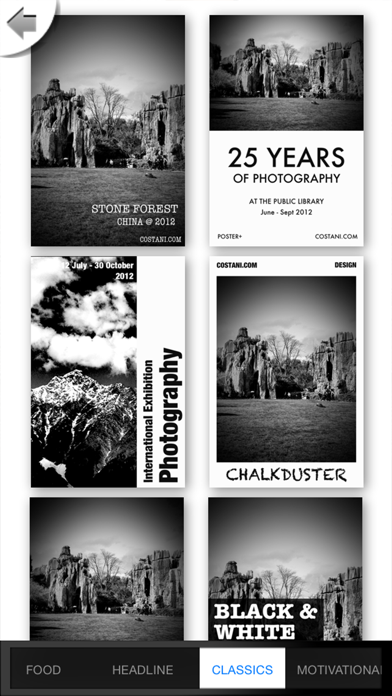
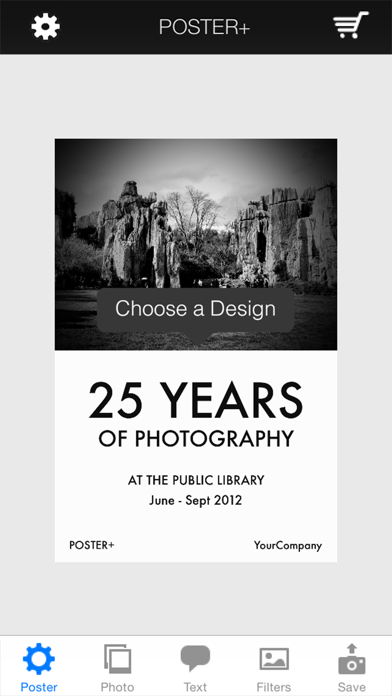
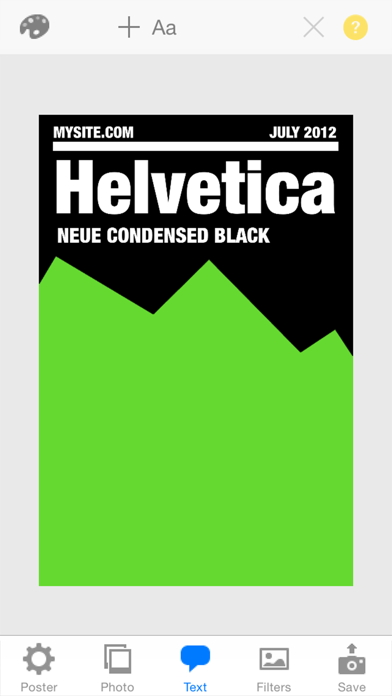
You can easily create really cool posters with Poster+ App. It is intuitive and simple to use. With Poster+, You can simply choose your favorite template from our beautiful and elegant preset design templates. Poster+ allows you to do something even more complicated, such as adding multiple photos and texts to the poster and managing them in separate layers. With Poster+, you can freely move photos or texts around, apply photo effect and text styles, or make your poster even better with poster image filters. POSTER DESIGN SET * 5 Design Sets (More than 35 design templates) * Custom background colors * Pre-filled texts and photos PHOTO LAYER * Add multiple photos * Tap to select & drag to move * Pinch to scale or rotate TEXT LAYER * Add multiple texts * Change text color, font and style * Tap to edit & drag to move * Pinch to scale or rotate * Access to all available fonts of iOS PHOTO EFFECT * Image filters for each photo! FILTERS * Apply filters, frames or paper styles!! SAVE & SHARE * Save to photo album * Tweet the poster * Share to Instagram * Share to other apps Get it now for FREE!
Screenshots