Brother iPrint&Label
Brother Industries, LTD.

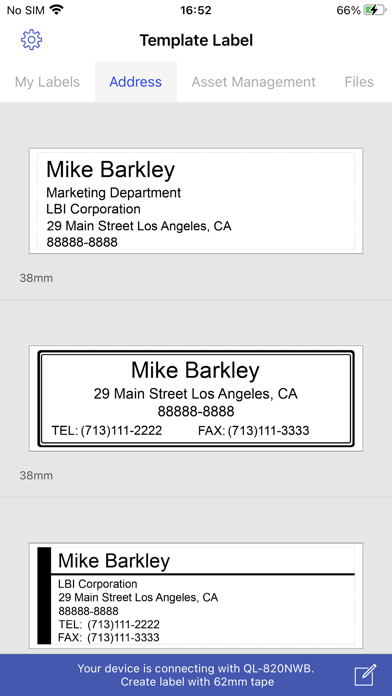
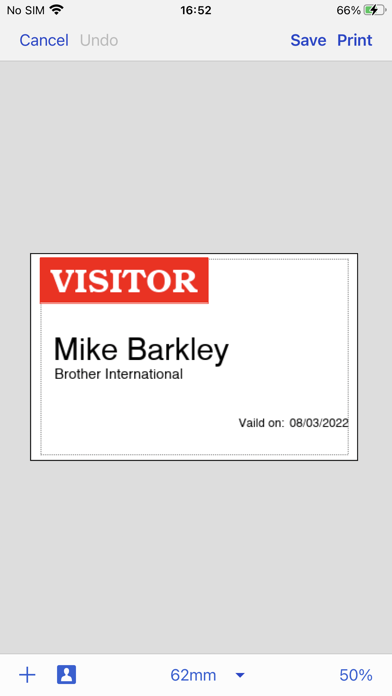
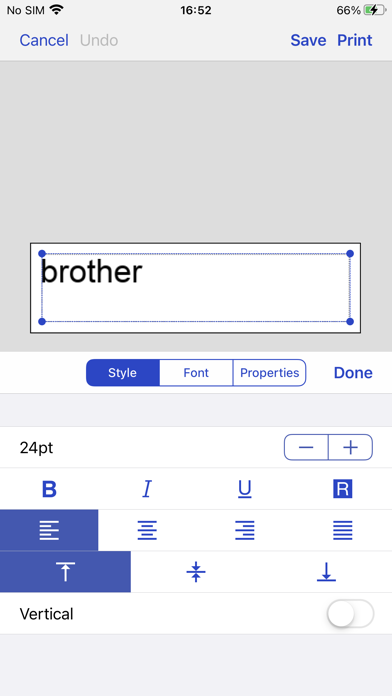
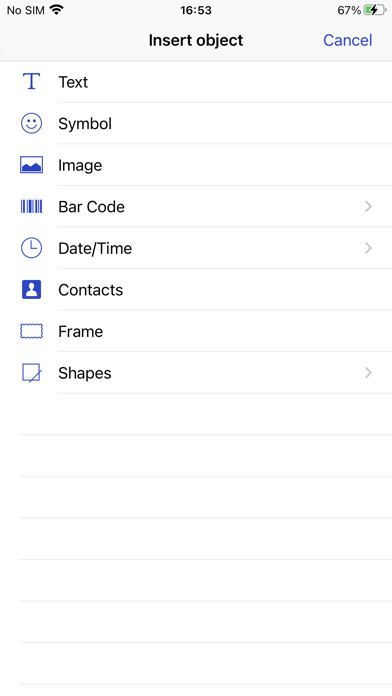
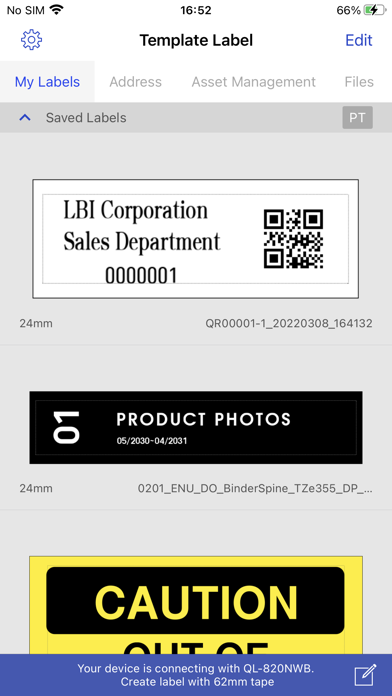
[Description] Brother iPrint&Label is a free application that enables you to easily print labels from your Apple iPhone or iPad to a Brother label printer using a local wireless network. For a list of supported models, please visit your local Brother website. [Key Features] 1. Easy to use menus. 2. Quickly open and print pre-designed labels. 3. Create custom labels with graphics or photos. 4. Print address labels from contact lists. 5. Print name badges with photos from your album - or take new photos with your camera. 6. Automatic label formatting based on label size used. 7. Automatically search for supported devices on a local wireless network. 8. No computer or printer driver required. [Compatible machines] PT-P300BT, PT-P710BT, PT-P910BT, PT-P750W, PT-E550W, PT-D800W, PT-E800W, PT-E850TKW, PT-P900W, PT-P950NW, PT-D460BT, PT-D610BT, QL-1110NWB, QL-810W, QL-820NWB, QL-710W, QL-720NW, QL-580N
Screenshots