Vinocell – Wine cellar manager
VinoDev

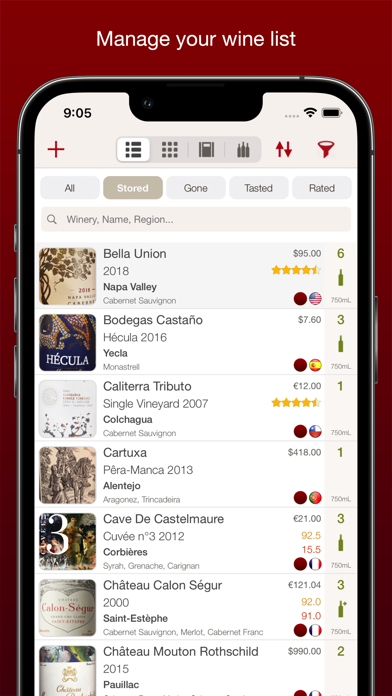
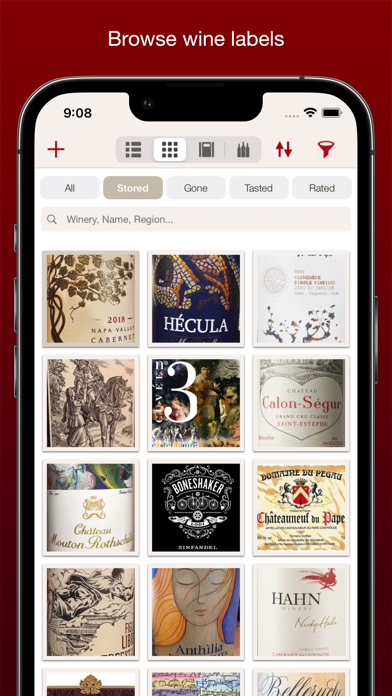
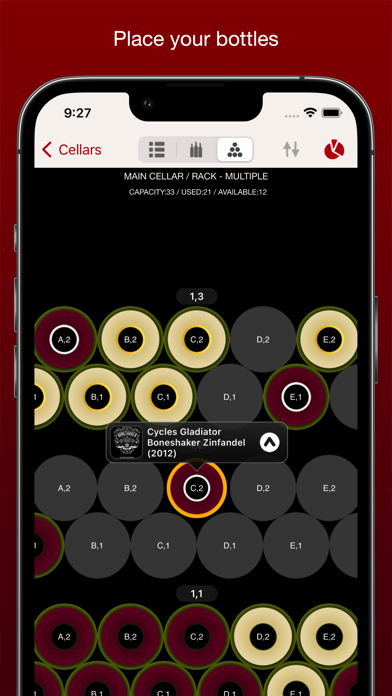
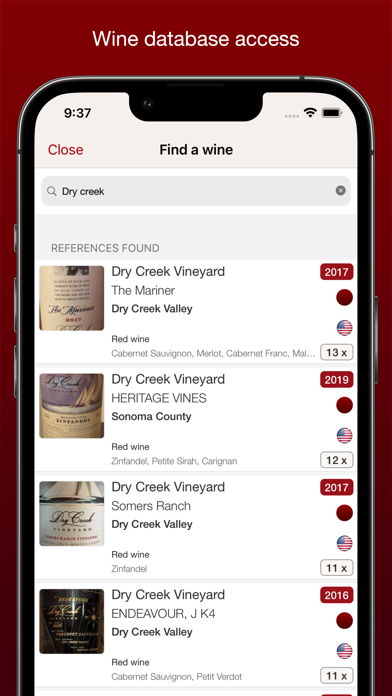
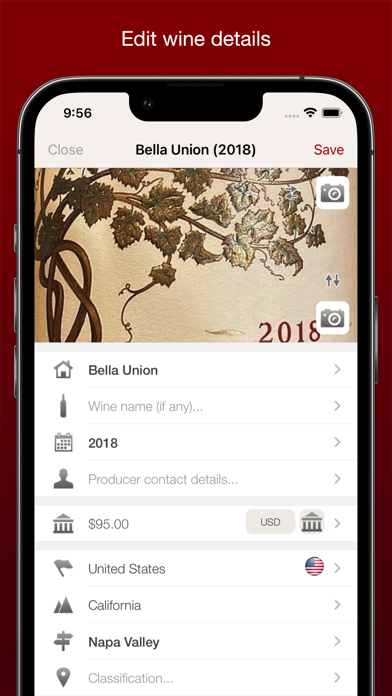
VinoCell is a complete wine cellar manager designed to help you organize, track, and enjoy your wine collection with precision and simplicity. Keep full control of your cellar: manage bottles, track inventory, and follow each wine from purchase to consumption. Record tasting notes and assign ratings to every bottle to build a detailed history of your wine experience. Whether you are a beginner or an experienced wine collector, VinoCell provides a powerful yet intuitive way to manage your cellar, analyze your collection, and improve your tasting journey over time. TOP FEATURES • Complete wine cellar management with up to 50 detailed fields per wine (name, country, region, appellation, varietals, vintage, color, alcohol, and more) • Wine inventory tracking from purchase to consumption • Fully visual cellar with customizable racks and shelf layouts (50 configurations) • Add, organize, and quickly locate bottles in your cellar • Powerful search across 40+ fields for precise filtering • Tasting notes with multiple rating systems (5-star, 20-point, 100-point scales) • Wine ratings from 70+ guides and competitions (including Parker, Wine Spectator, etc.) • Access to a database of over 175,000 wines or add your own manually • Detailed collection statistics: countries, regions, vintages, varietals, purchases, and more ADDITIONAL FEATURES • Food and wine pairing tools • Producer, merchant, and contact management • Custom bottle appearance (shape, color, capsule) • PDF export for wines and cellar data • Import and export via CSV and Excel • Share wine details via email and social platforms • Automatic sync across devices using your VinoCell account
Screenshots