OneLogin Protect
OneLogin, LLC

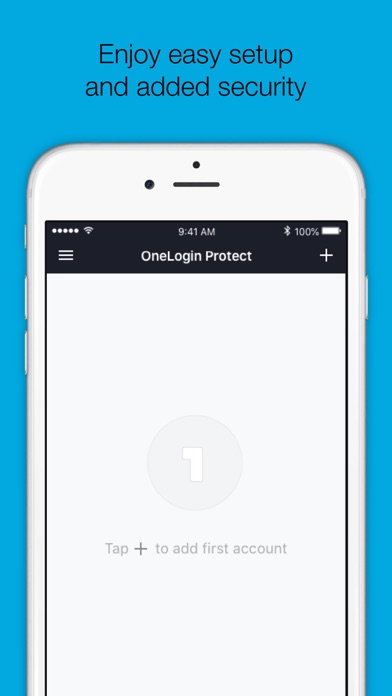
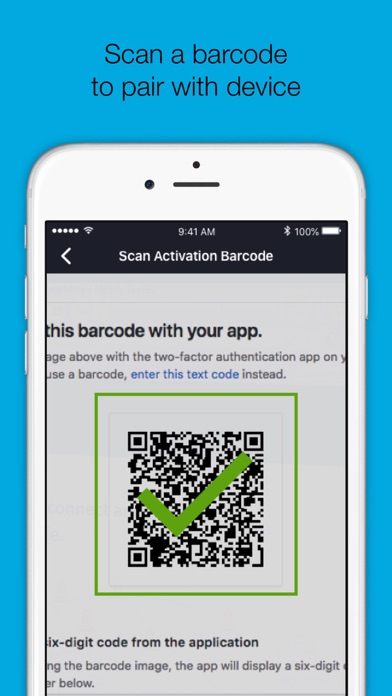
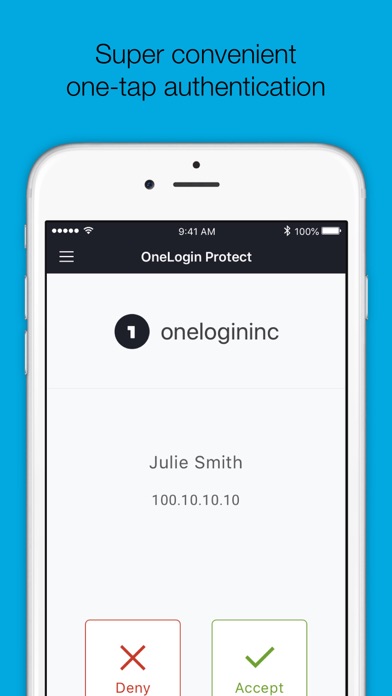
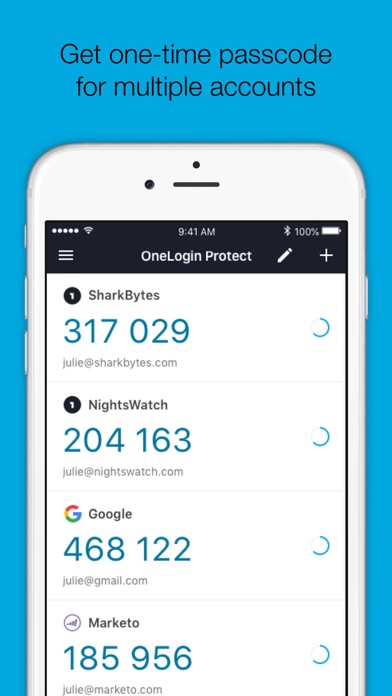
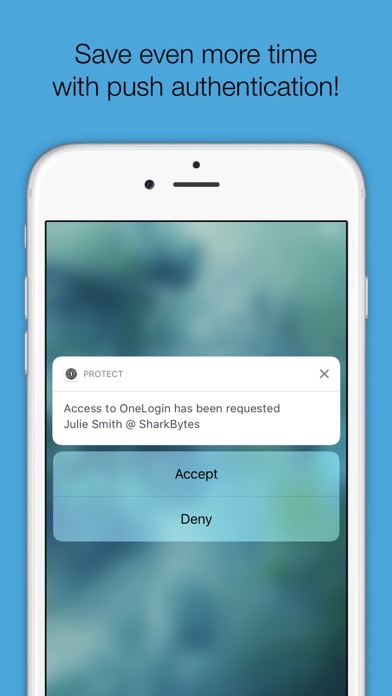
OneLogin Protect authenticator, a free, enterprise-ready MFA app, provides two-factor authentication for all your OneLogin SSO accounts and thousands of third-party apps and services. When you use multi-factor authentication, you automatically increase the security of your online accounts. Features • Alerts user with a push notification, user responds with just a tap (OneLogin accounts only). • Requires your Touch ID, Face ID, or PIN to accept push notification (OneLogin accounts only). • Works with third-party providers and accounts which you can add at any time. • Compatible with services using OATH security tokens (i.e. Google Authenticator). • Generates a unique 6-digit code every 30 seconds for each account (TOTP). • Generates verification codes without a data connection. • Adds a new account by scanning a QR code or by entering it manually. • Securely backup and restore your accounts to your own Google Drive Permissions • Camera access for scanning QR code when adding new accounts. • Push notifications for delivery of OTP requests Learn more • Learn more about 2-step verification at onelogin.com/onelogin-protect-authenticator • Follow us on Twitter: https://twitter.com/onelogin • Like us on Facebook: https://www.facebook.com/onelogin
Screenshots