Text on Photo
handyCloset Inc.

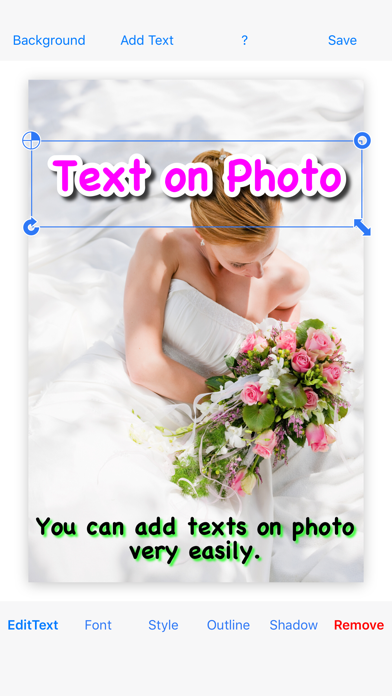
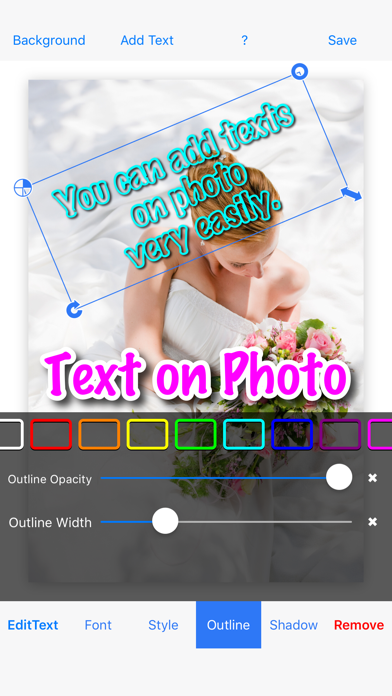
◇ Text on Photo lets you add multiple decorated texts to your photos—quickly and easily. ◇ This is the paid, ad-free version. ◇ Features - Many different fonts - Add multiple texts on one photo - Add an outline - Edit shadow ◇ How to use 1. Tap “Background” to add a photograph 2. Tap “Add Text” to add a text 3. Edit the color/style, font size, and font name 4. Add an outline to the text 5. Resize, rotate, and move the text (Repeat steps 2–5 as needed) 6. Tap “Save”
Screenshots