Grundig Smart Remote
Arcelik A.S.

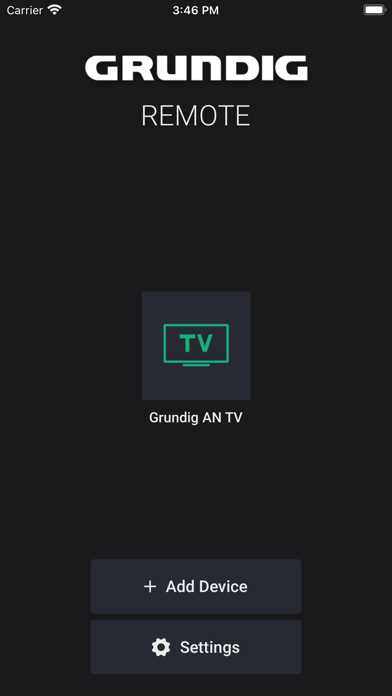
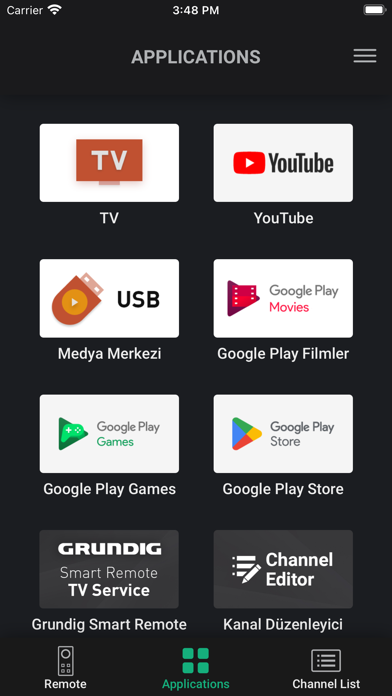
Grundig Smart Remote application allows you to control your Grundig Smart TV using your iPhone/iPad The only requirement is that your iPhone/iPad is connected to the same Access point as your TV. The Smart Remote app identifies your TV automatically and then you can control your TV in a comfortable way with it. Connection - Connect your Grundig Smart TV to your network access point. - Connect your iPhone/iPad to the same access point. - Start "Grundig Smart Remote" application and press the "Add Device" button. If your iPhone/iPad cannot identify your Grundig Smart TV automatically, press the “+” button to connect your TV manually by entering your TV's IP-Address. Features The application offers different screen functions: Remote, Keyboard, Smart Guide and Schedule list. - Remote: Remote control functionality for your Grundig Smart TV. - Keyboard: Allows you to use the keyboard on your iPhone/iPad for TV applications in cases where input is needed. - TV Guide: Allows you to navigate the TV channel list, search for channels and set a reminder or recorder for any event without changing the channel while watching TV. - Schedule: Allows to see all available reminder and recorder events you set before and all are listed in one screen. * Features may vary depend on your product. Please check the “Supported Models" screen in the Settings to see if Grundig Smart Remote is compatible with your Grundig Smart TV.
Screenshots