Contacts Group-eContacts
June Soft

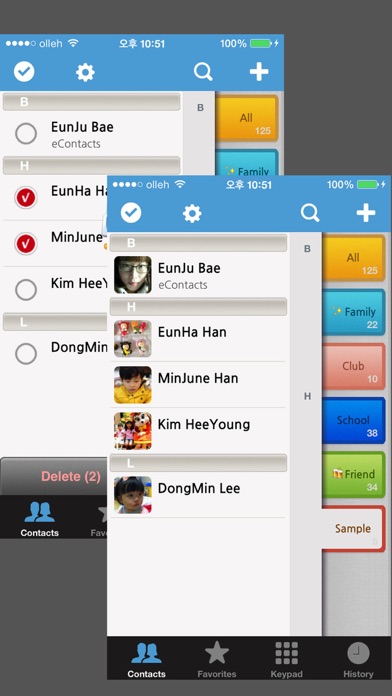
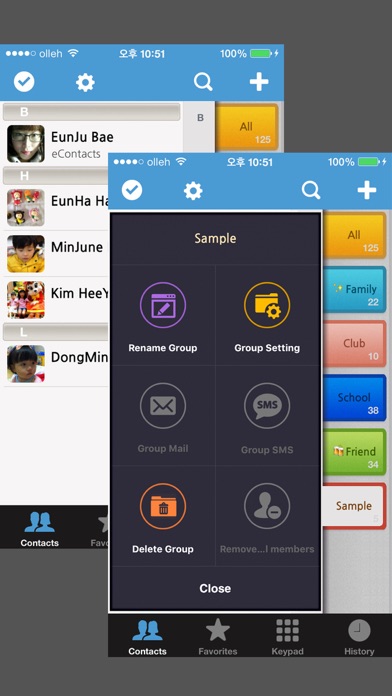
eContacts provides a simple interface to create and manage groups of your contacts for your addressbook. eContacts is a most powerful contact addressbook application. Easily create and manage groups of contacts. - How do I access contacts since iOS6 update? If you are using iOS6, please check that eContacts is allowed to access your Contacts. You can check that in your device Settings > Privacy > Contacts. FEATURES √ View and manage contact groups from a single, easy to navigate view. √ Create, delete, rename, sort and navigate contact groups with all in a single view. √ Group Mail/Group SMS. (SMS : Max 20) √ Drag & Drop (Single or multiple contacts into or out of group) √ Powerful search within groups, by any part of the name and phone number and office name. √ Delete multiple contacts from the address book in a single go. √ Send contact infomation by Mail or SMS. √ People can be in more than one group. √ Set an image for each group. √ History View. √ Retina display supported. √ Multi-tasking. √ Available on iPhone 8.2 OS or higher. Do you have any suggestions or ideas on how to improve app? We welcome your suggestions and feedback. Send an email to: acdbentity@gmail.com Privacy Policy: https://sites.google.com/view/junesoft
Screenshots