My Budget Book
Christian Drapatz

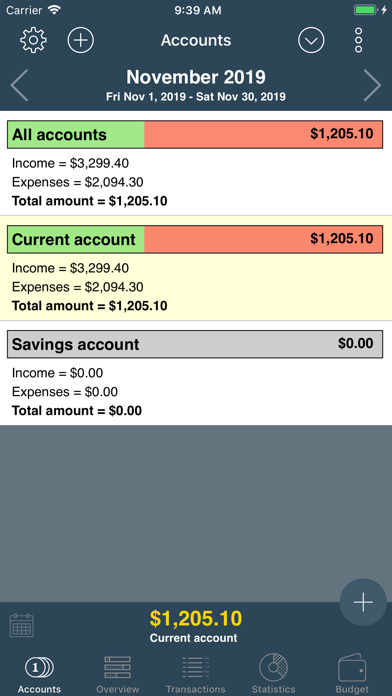
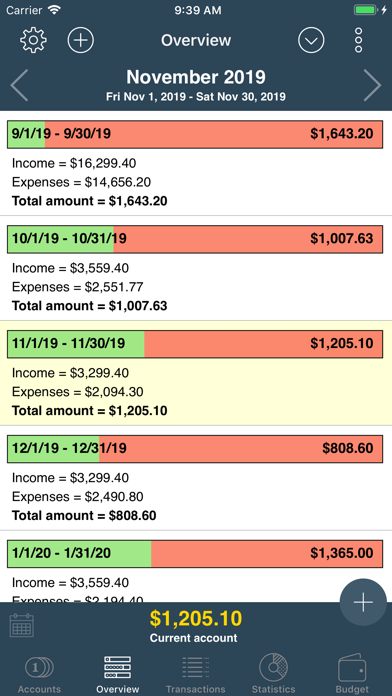
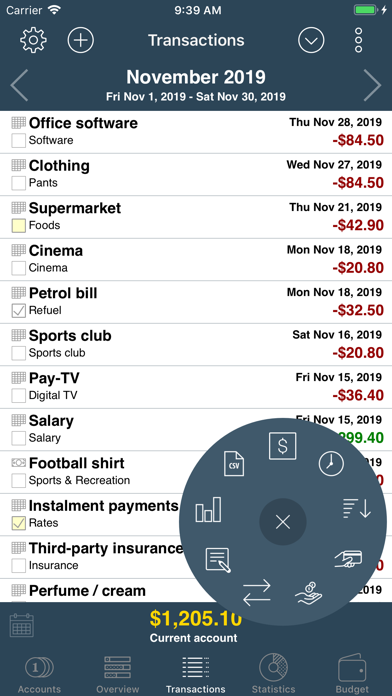
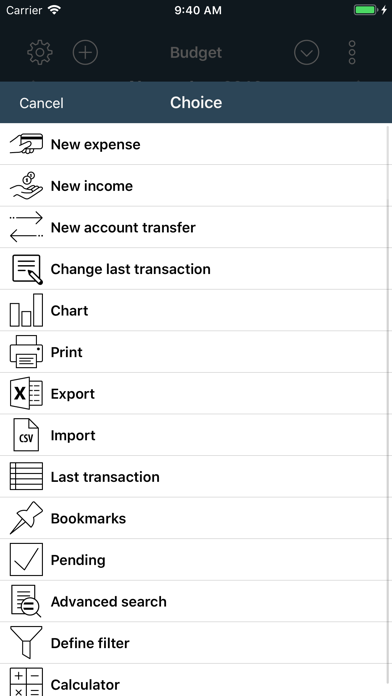
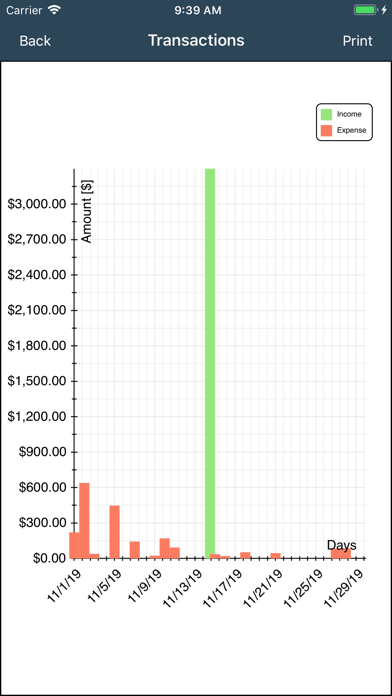
Take full control of your finances with My Budget Book – the simple and secure way to track income, expenses and budgets on iPhone and iPad. ▶ Why choose My Budget Book? • Easy & intuitive – quick entry with auto-completion and clean design. • No subscriptions – all features included, one-time purchase, no hidden costs. • Unlimited flexibility – manage unlimited accounts, income, expenses and transfers. • Automation – recurring transactions are added automatically. • CSV import – import bank statements or spreadsheets (CSV/Excel) from any source. • Export options – export your data to Excel, Numbers, CSV or HTML for further use. • Analysis & planning – track budgets, view reports and generate clear statistics and charts. • Security – encrypted local and iCloud backups, Face/Touch ID, passcode protection. • Multi-language support – use the app worldwide with multiple languages and currencies. ▶ Highlights • Monthly overviews with custom start date (e.g. salary day). • Forecast of upcoming and past months. • Detailed reports by category, person, account or payment type. • Instant search and filtering. • Always see current balance and monthly totals. • Print directly from the app via AirPrint. ▶ Award-winning 3rd place at the connect App Award in the “Finance & Business” category. ▶ Always up to date We continuously improve the app, listen to user feedback, and provide regular free updates. ▶ Support Got questions or ideas? Contact us – we reply quickly and are happy to help. Manage your money reliably and securely with My Budget Book – the complete finance manager without subscriptions.
Screenshots