RarExtractor - Extract RAR,ZIP
冠兰 姜

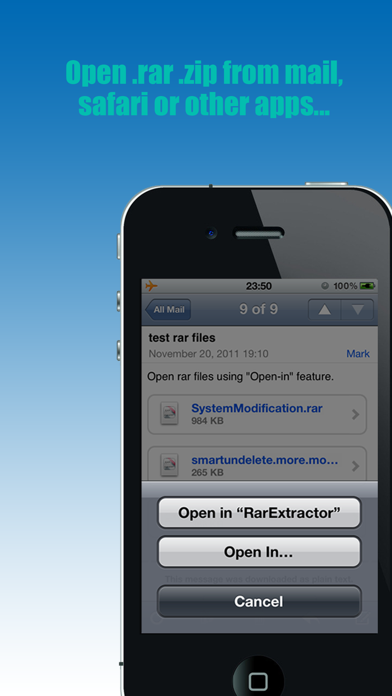
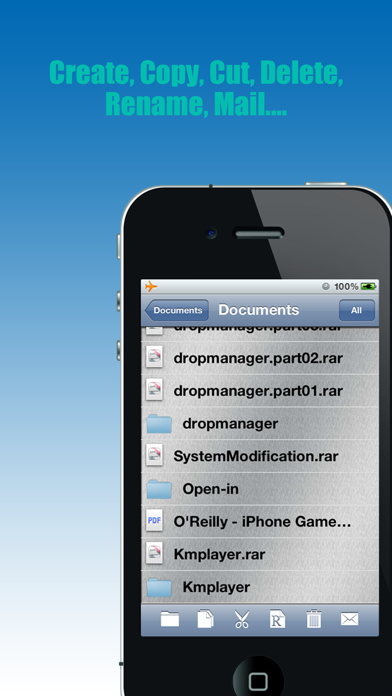
Features: 1. You can open the RAR, Zip, CBR files from mail, safari or some other apps that support open-in feature, and extract it(Supports extracting password protected RAR file, multi-volume RAR files); Also allows other apps to open local files (Just tap and hold the file’s icon, then the “Open-in” menu will appear). 2. Multi-level folder supported, you can create folders & subfolders in “RarExtractor”, conveniently manage your files. 3. Supports rename, copy, cut, paste, delete, mail features 4. Search feature supported for finding out the files you want. 5. Supports viewing a large number of file formats (doc, docx, xls, xlsx, pdf, ppt, pptx, mp3, mp4 etc.). 6. Supports print feature. 7. Supports file sorting feature.
Developer website
http://www.appurpose-studio.com/index.htmReleased
2011-12-04T17:52:03Z
Current version
2.2.2
Screenshots