JetBlue
JetBlue Airways

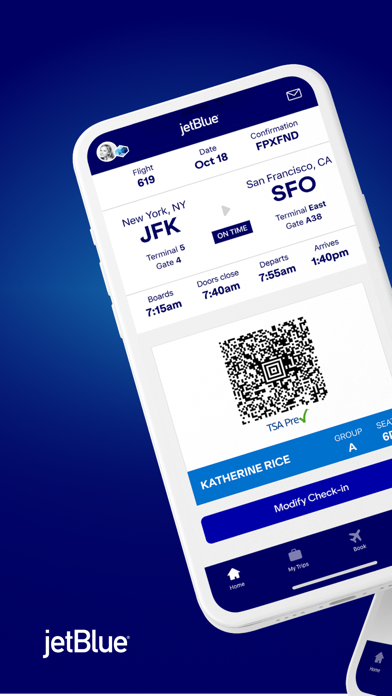
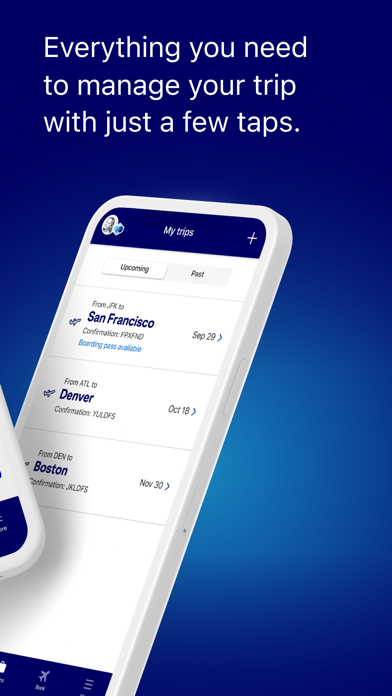
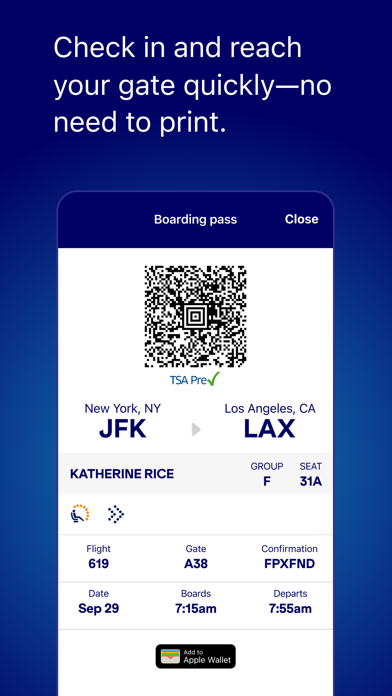
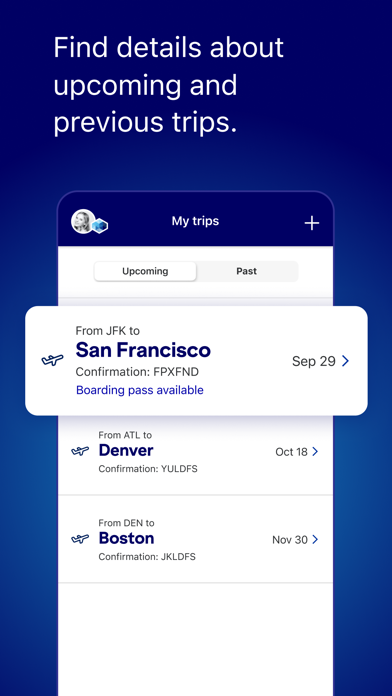
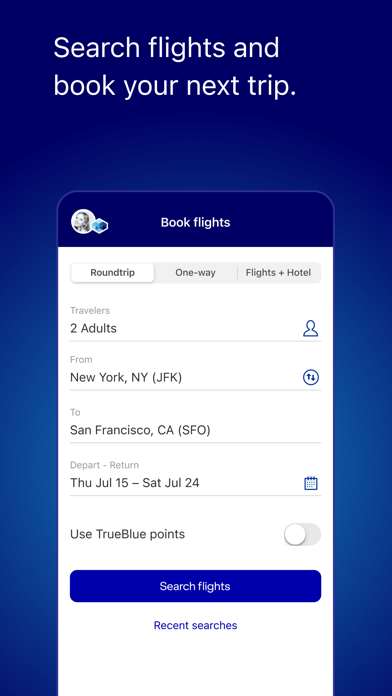
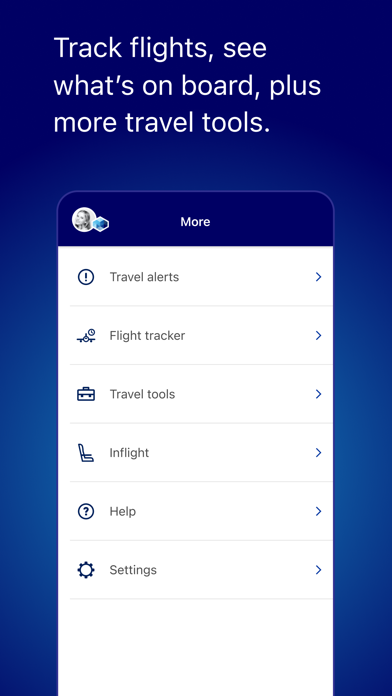
Book fares, track flights in real time, and check in on the go. Manage every part of your trip—from planning to landing—without the guesswork. Day of travel, made easy Get key trip details at a glance, including your boarding pass, gate updates, and real-time flight status. Manage your trips Update your seat, add extras, or make changes to your itinerary in just a few taps. Track your bags, stress-free Always know where your bags are, from check-in to carousel. My Trips, all in one place Add upcoming and past itineraries to stay organized and informed. Chat with us Get answers fast and connect with a JetBlue crewmember through live chat. Fast, paperless boarding Check in and head to your gate with a mobile boarding pass—no printing required. Inflight experience Browse snacks, drinks, and inflight entertainment options before you fly. Book with confidence Search and book flights quickly, with everything you need to plan your next getaway. More ways to travel Book hotels, vacation rentals, car rentals, and airport transportation—all from the app. My TrueBlue Sign in to track your TrueBlue points, view your Travel Bank balance (if applicable), request points for past trips, and easily manage personalized experiences. Live Activities & more See real-time flight updates, boarding alerts, and trip info on your lock screen. Access flight trackers, airport maps, and more helpful tools along the way. Download the JetBlue app and travel smarter—from takeoff to touchdown.
Screenshots