Words Finder Wordfeud/TWL
Rick Jansen

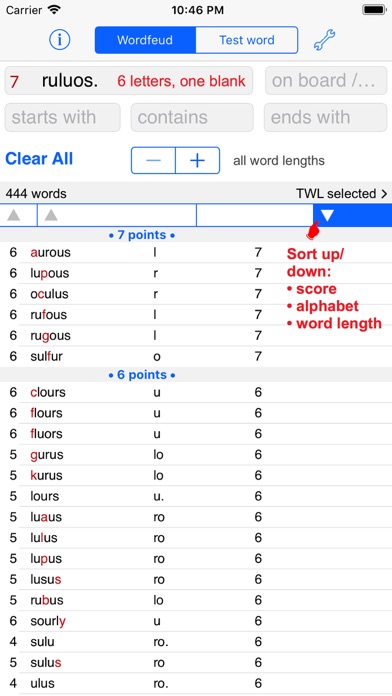
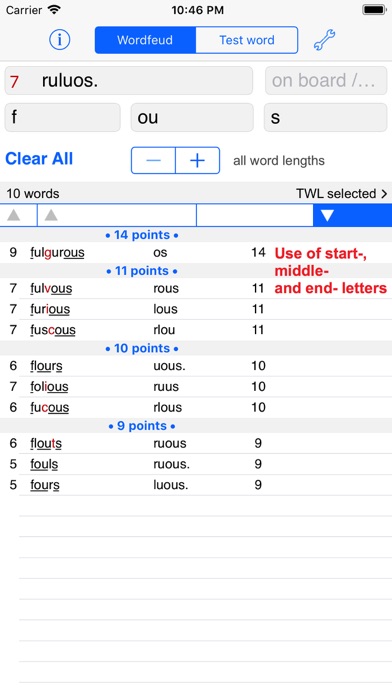
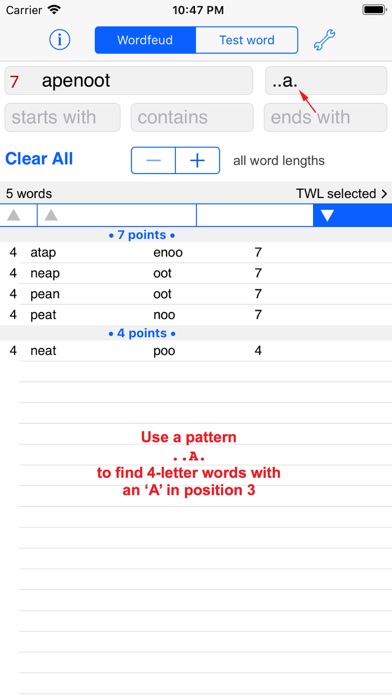
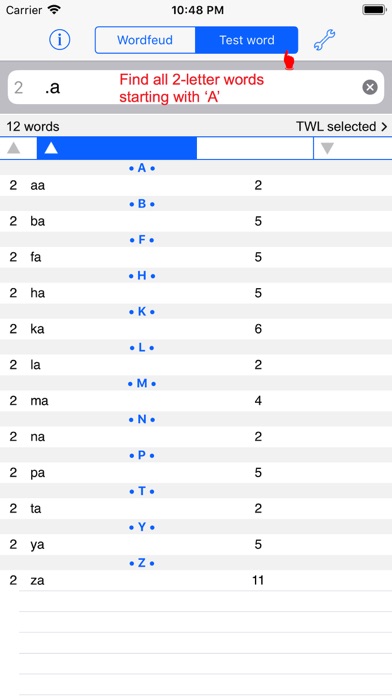
Find words for playing the game, or learn words you never knew. Sort the results on word length, alphabet, or word score. Find not the longest, but the best word! You can find words using the 7 letters you have, but also match up letters and word parts on the board. Lookup words online or in the local dictionary with a Copy/Define/Lookup/Mail American English version: TWL06 word list, 178.691 words. As an extra the word lists SOWPODS (International English list), ENABLE, OSPD, WWF and CWL21 are also included, and separately searchable. (More than 275.000 words in total.) New is the "Test word" option: test if a word exists, and find words with missing letters. You can use this to see if there are words that would fit a game situation, and which letters you would need. Also handy to find 2-letter combinations. Use a single dot for one missing letter, an @ sign for more. Also usable for crossword puzzles. Slide Over: you can now use the Wordsfinder in front of another app, for example in front of Wordfeud, or a puzzle app! It requires iOS 13, and is only available on iPad. How to use Slide Over: a. Make sure Wordsfinder is in the Dock; b. Open an app; c. Swipe up from the bottom of the screen to open the Dock; d. On the Dock, touch and hold the Wordsfinder, then drag it up, to the screen; e. Position or left or right. No internet connection is required, this App will still help you when you are travelling. Privacy: no information is collected or shared with other parties.
Screenshots