SigNote
Vincent Lin

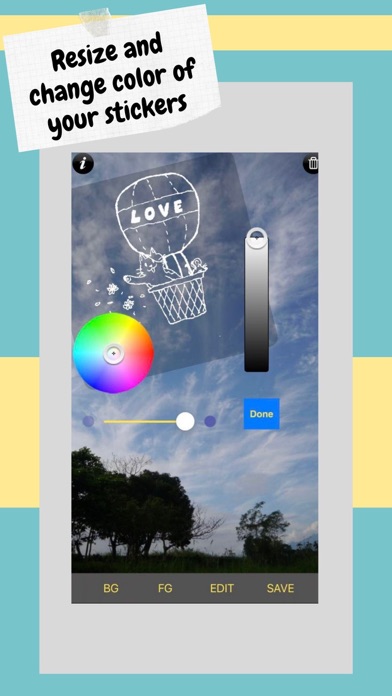
Ever thought about turning your photos into a piece of art? SigNote arms you with simple but creative tools to add a personal touch to your photos and stamp them with graffiti paintings or your own handwriting. All you need is a piece of paper and a pen. Write down your signature or let your creativity run wild with graffiti art. Then take a picture of the signature or upload it via SigNote and your piece of art is ready for personalization! Use one finger to move the foreground images and two fingers to resize them. With SigNote you can: * Apply pre-made foreground images * Scribble or doodle on your favorite pictures * Move, resize, erase, rotate and change color of your stamps Features: - Tons of built-in doodle stickers and doodle word-balloons - Simple and easy to use interface - Support for multiple layers (up to 7) - Landscape and portrait orientation - Integration with Facebook, Twitter, Instagram, and Steply It's not too late to transform your boring photos into a masterpiece! Try it, and enjoy it. It's so simple. service e-mail: signote.app@gmail.com Facebook Page: http://www.facebook.com/signote 2020 © Matt Luedke, app-preview-music @ Github, CC BY 4.0.
Screenshots