Pst Mail
Arrow Bit SL

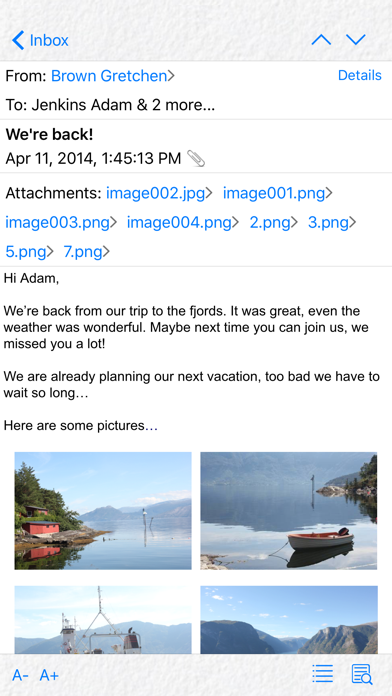
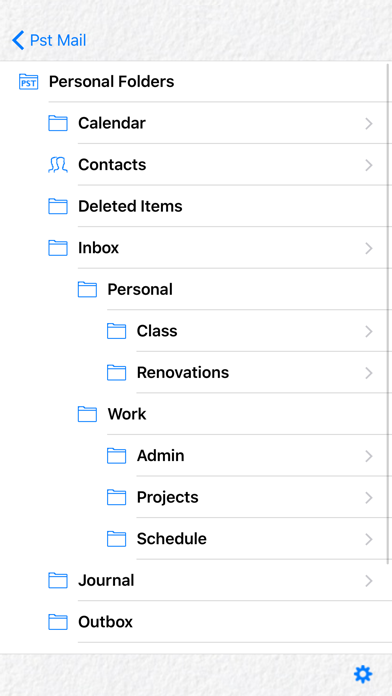
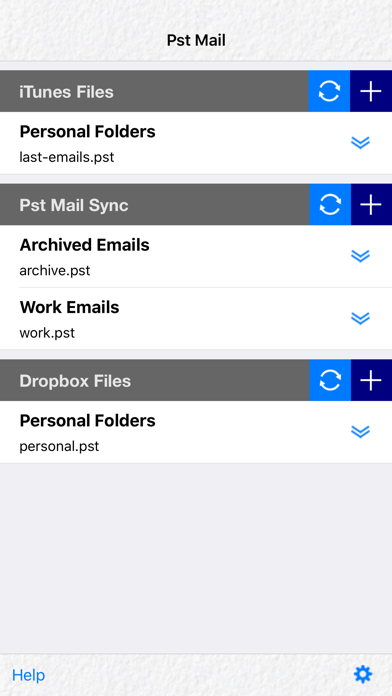
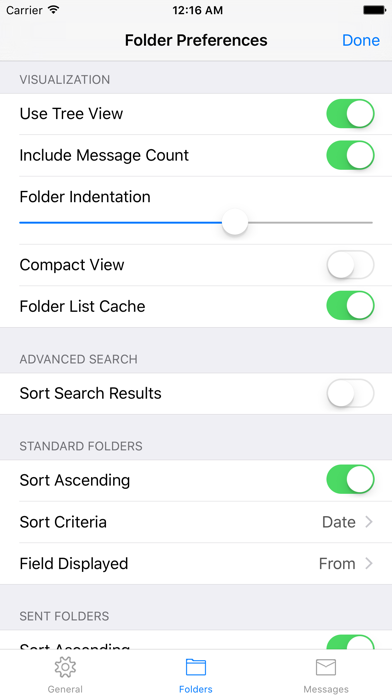
Transfer Outlook pst files to your device, and have access to your messages. Save money on your data plan, as no connection to the server is necessary to read stored emails. Some of the features in Pst Mail are: * Open multiple pst files. * Get pst files quickly using iTunes. * Get pst files from Dropbox. * Get pst files from other apps that support “Open In”. * Search messages by sender, recipient, subject, attachment filename or full message text. You may specify a date range to narrow results. Subfolders may be included in the search. * Select sort criteria for the message list. * Use a different sort criterion for the special folder that contains sent items. * Filter messages by from/to/subject or all of them combined. * Open attachments externally with other apps in you device, or if the file format is supported, using Pst Mail preview option. * Reply and forward messages. * Link recipient names to the address book * Compatible with both old and new versions of the pst file (i.e., ANSI and Unicode). * Print emails wirelessly (iOS 4.2 or later). * Customize timezone for date and time display. * Display contacts in the pst file. * Option to protect Pst Mail with a password. * Option to exclude pst files from the iTunes backup.
Screenshots