Procore
Procore Technologies, Inc.

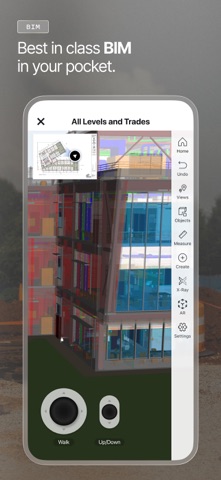
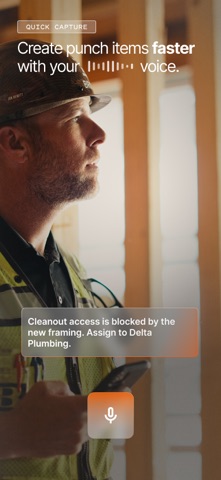
Construction doesn't wait for the office. Procore puts your entire project in your pocket — drawings, models, teams, and resources — live from the field. Trusted on 3M+ projects worldwide. GROUNDBREAK TO CLOSEOUT From first drawings review to final sign-off, Procore keeps your whole team connected, your documents current, and your project moving — no matter where the work takes you. CAPTURE AND DOCUMENT - Annotate photos the moment you take them - Auto-stamp every photo with GPS location, date, and direction - Turn any photo into a punch item, observation, or RFI in seconds - Capture full 360° room views natively — no extra app required SEE YOUR PROJECT IN 3D - Stream gigabyte-scale models on any device - View live RFI, submittal, and inspection status on the model - Drop 3D pins to add exact spatial context to every issue ACCESS YOUR DRAWINGS, ALWAYS CURRENT - Access every revision — offline or online, always synced - Mark up drawings with the full annotation toolkit - Scan QR codes to see every open item by location EXECUTE ON-SITE - Track punch lists and observations with Ball in Court accountability - Submit, track, and respond to RFIs from the field - Log daily reports — weather, crew, equipment, and notes MANAGE YOUR RESOURCES - Request labor and equipment - Check daily crew and schedule assignments - Log labor and equipment hours with Grid Time Entry — an intuitive, Excel-style grid - Track material inventory, log receipts, and note defects MANAGE FINANCIALS FROM THE FIELD - Approve commitments from your device — no desk required (Open Beta) TRUSTED BY THE INDUSTRY - 3M+ construction projects worldwide - 2M+ construction professionals in 150+ countries - Available in 13+ languages Download for free. An active Procore subscription is required. Mobile features vary based on Procore subscription.
Screenshots