WeBe Bluetooth Mouse for Mac
Gabriel Hohener

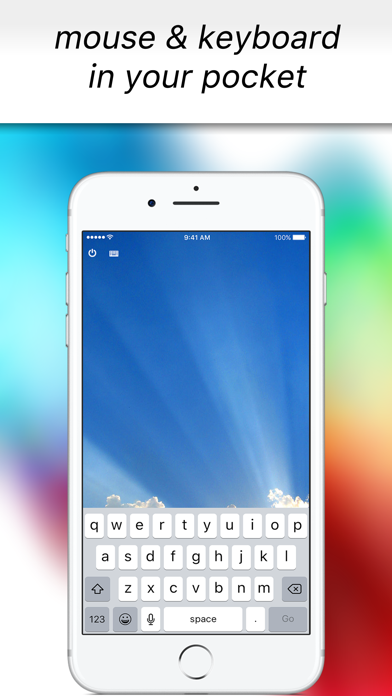
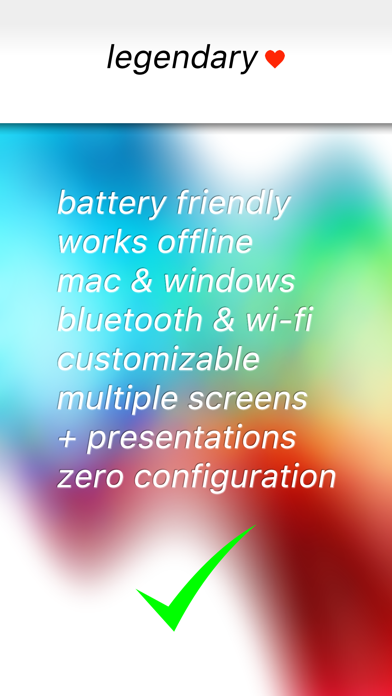
Turn your iPhone into a precision trackpad and keyboard for Mac and Windows. Originally launched in 2010 and featured in the US App Store, WeBe returns as version 2.0 — completely rebuilt for today’s Mac and Windows systems. Connect via Bluetooth, Wi-Fi, or USB and control your computer instantly. Whether you're presenting, working across multiple monitors, or controlling your computer from the couch, WeBe delivers smooth, precise control in seconds. No complicated setup. No outdated helpers. Install the desktop helper and start controlling instantly. FEATURES • Precision trackpad with smooth scrolling • Built-in keyboard for instant typing • Bluetooth, Wi-Fi and USB connectivity • Multi-monitor support • macOS Hot Corners & Dock activation • Works with Mac and Windows • Optimized for modern macOS and Windows versions • Clean, minimal interface • Built for speed and stability PERFECT FOR • Presentations and slide control • Remote work setups • Media control from your couch • Multi-monitor workflows • Emergency backup when your mouse fails SIMPLE SETUP • Install the desktop helper on your Mac or Windows PC • Open WeBe on your iPhone • Connect via Bluetooth, Wi-Fi or USB • Start controlling instantly SUPPORT, PRIVACY & TERMS Download desktop helpers and setup instructions: https://webe-app.com Privacy Policy: https://webe-app.com/privacy-policy Terms & Conditions: https://webe-app.com/terms-and-conditions
Screenshots