Autograph
Ten One Design

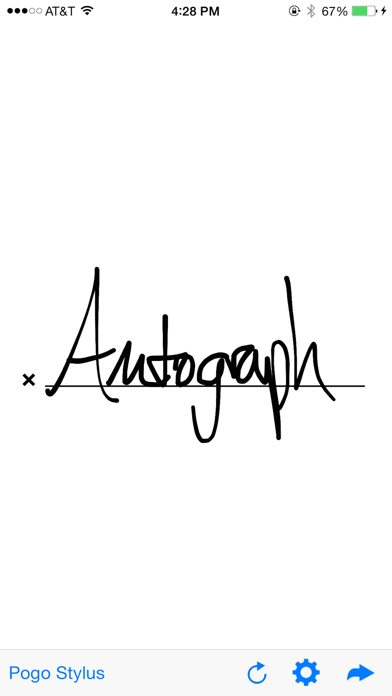
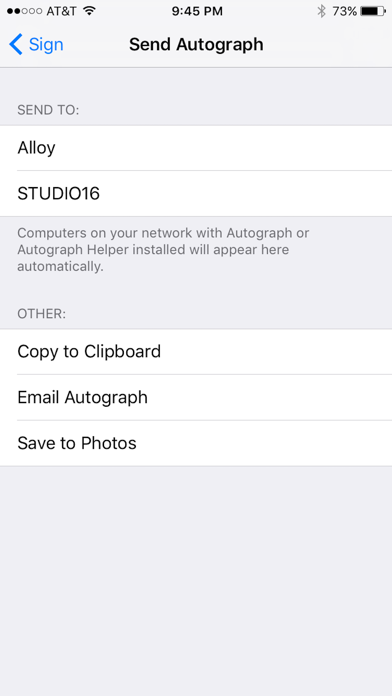
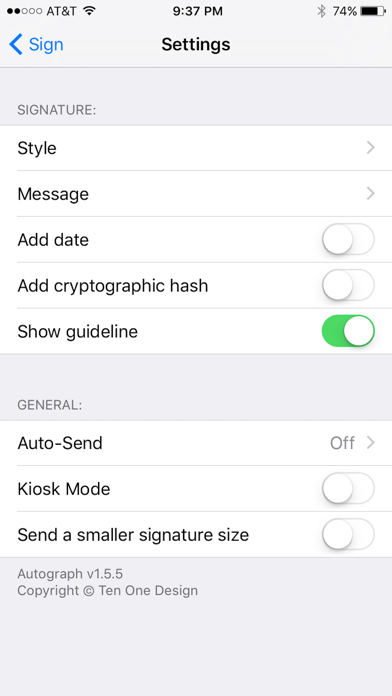
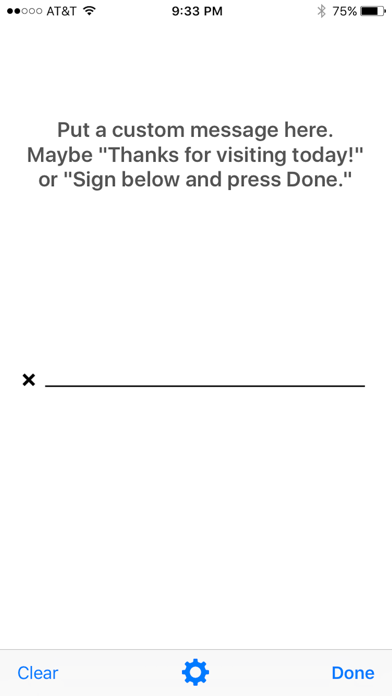
Use an iOS device as a signature capture pad for your nearby computer. Autograph works great for a variety of professional office needs such as medical or real estate. Simply hand the device to your client or patient, and their signature will appear on your nearby Mac or PC. A note about pricing: This app is designed for office use and priced slightly higher to discourage casual use, with our sincere apologies to any potential casual users. More information: Finally, Go Paperless! To use autograph, just sign your name and hit send. It will appear on the screen of a nearby computer. Wifi network is required! Drop your signature into Word, Excel, Pages, iChat, Numbers, Stickies, PDFPen, Preview, and many other applications on your Mac or PC! A small, free program named Autograph Helper must be installed on your computer to receive the signature. For OS X: https://tenonedesign.com/apps/autographhelper/autographhelper.php For Windows: https://tenonedesign.com/apps/autographhelperwin/autographhelperwin.php For the best results, we recommend using a Pogo-branded capacitive stylus. https://tenonedesign.com/pogo
Screenshots