BA II Plus™ Financial Calc
Texas Instruments

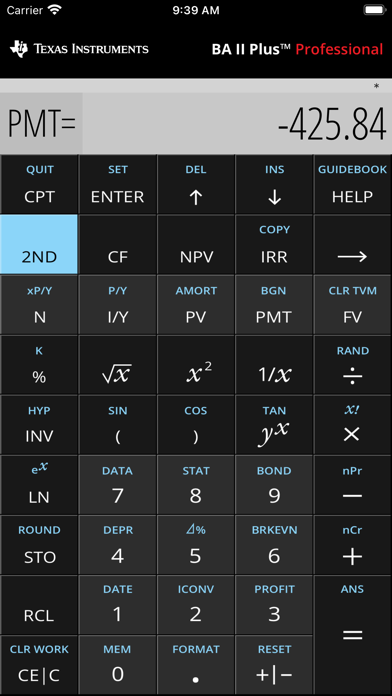
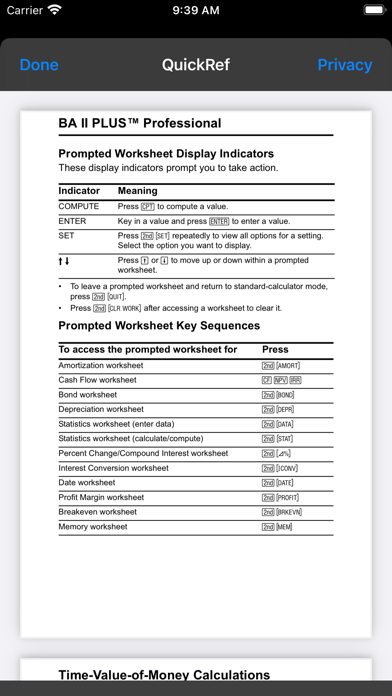
See the capabilities of the most advanced financial calculator from Texas Instruments — the BA II Plus™ Professional calculator. This calculator is a great choice for business professionals and college students, in both corporate and university settings. FULL RANGE OF FINANCE AND SCIENCE FUNCTIONS • Performs Time-Value-of-Money (TVM) calculations including annuities, loans, mortgages, leases and savings • TVM P/Y=1 default matches current BA II Plus™ and BA II Plus™ Professional calculators • Generates amortization schedules • Calculates IRR, MIRR, NPV and NFV for cash-flow analysis • Stores up to 32 uneven cash flows with one- to four-digit frequencies and analyzes the impact of changes in variables • Evaluates bond prices and yields “to maturity” or “to call” • Choose from six methods for calculating depreciation, book value and remaining depreciable amount • Performs analysis on one- and two-variable statistics with four regression options: linear, logarithmic, exponential and power • Determines the days between dates • Calculates breakeven, profit margins and percent change • Includes trigonometric and logarithmic scientific functions • Choose between chain and Algebraic Operating System calculation methods OTHER FEATURES • Stores 10 values in memory which are retained by the Constant Memory feature • Enable key click sounds in Settings • Switches to second functions fast with one-touch 2nd function key • Support for split screen, portrait and landscape modes • Ability to copy individual calculation results to other apps • Includes both BA II Plus™ and BA II Plus™ Professional calculator features • The look corresponds to BA II Plus™ Professional calculator
Screenshots