BattleAtSea
Pelted Software

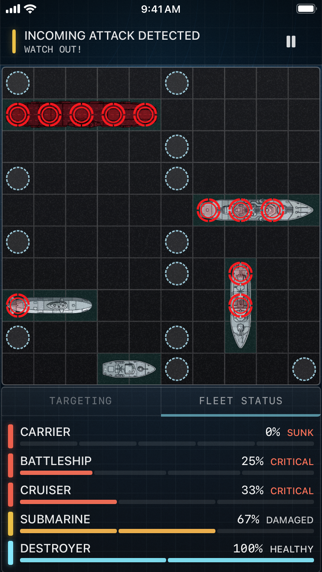
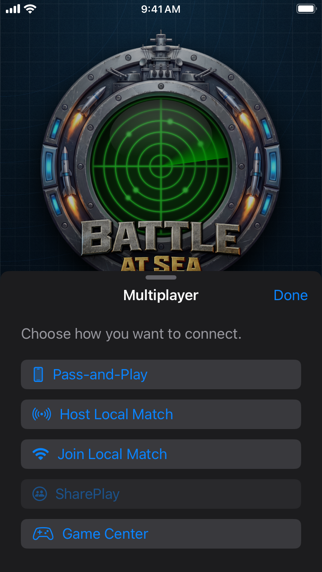
BattleAtSea — one of the original App Store naval strategy games from 2008 — has returned for a new generation. Rebuilt from the keel up in Swift, BattleAtSea Version 2 blends classic-style strategy with modern features designed for families, friends, and longtime fans alike. Whether you’re introducing your kids to a strategy classic or reliving your own App Store launch-day memories, it’s time to deploy your fleet once again. Classic Strategy. Modern Experience. Command your carrier battle group of five ships — including the mighty battleship — and outmaneuver your opponent in a battle of wits across the open sea. Simple to learn. Satisfying to master. Perfect for all ages. Play Your Way - Single Player — Take on the super computer and sharpen your tactics. - Pass-and-Play — Hand the device back and forth for classic couch competition. - Game Center Multiplayer — Challenge friends near or far. - SharePlay Support — Battle together while on FaceTime. Built for Today - Fully rewritten in Swift - Optional Metal-powered shader effects for fun in-game visuals - Smooth performance across modern devices Family Friendly Fun BattleAtSea is designed for: Parents playing with kids Friends competing head-to-head Casual gamers looking for quick matches Strategy fans chasing the perfect game Quick rounds make it easy to jump in. Deep tactics keep you coming back. Welcome Back, Captains! If you owned the original BattleAtSea back in the early App Store days, this version is a free upgrade. The OG App Store game is back — and better than ever. Deploy your fleet. Call your shots. Sink or be sunk.
Screenshots