Scanner App: PDF Scanner OCR
Evinco Solutions Inc.

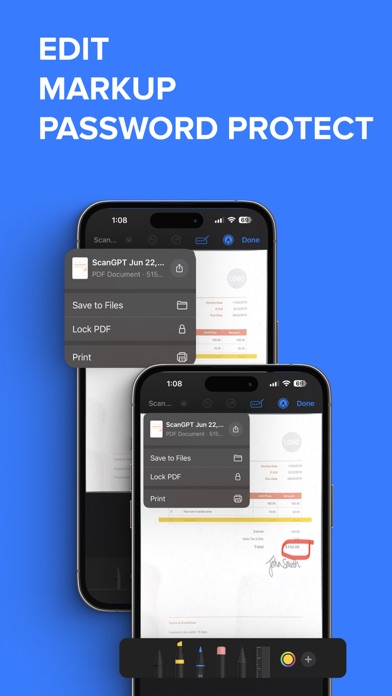
Scan documents instantly with your iPhone - fast, accurate, and powerful. Turn your device into a smart PDF scanner app with OCR, document editing, and file conversion. Scan documents, receipts, notes, and more in seconds with high-quality results. SCAN ANYTHING, ANYTIME • Scan documents, receipts, notes, contracts, and forms • Create high-quality PDF scans instantly • Multi-page scanning with automatic edge detection • Fast and accurate results using advanced scanning technology OCR TEXT RECOGNITION • Extract text from scanned documents • Copy, edit, and reuse text بسهولة • Supports multiple document types EDIT, SIGN, AND ORGANIZE • Edit scanned documents بسهولة • Add e-signatures to your files • Adjust brightness, contrast, and crop • Organize and manage your files efficiently CONVERT AND EXPORT • Convert PDF to Word, JPG, PNG, and more • Save files in multiple formats • Export documents quickly with one tap SHARE AND PRINT • Share files via email, cloud, or messaging apps • Print documents directly from your device • Works with popular cloud services WHY CHOOSE THIS SCANNER APP • Fast and easy to use • Accurate document scanning • Powerful OCR and conversion tools • Save time and improve productivity GET STARTED NOW Download the scanner app and scan documents anytime, anywhere. Perfect for professionals, students, and everyday use. SUBSCRIPTION Start with a free trial, then choose a plan that fits your needs: • Monthly Plan • Yearly Plan Unlimited scanning, OCR, and document features included. LEGAL Privacy Policy & Terms: https://evincosolutions.com/pdfscan/privacy.html Support: support@evincosolutions.com
Screenshots