Video Compress - Clean Storage
Khatuli Todua

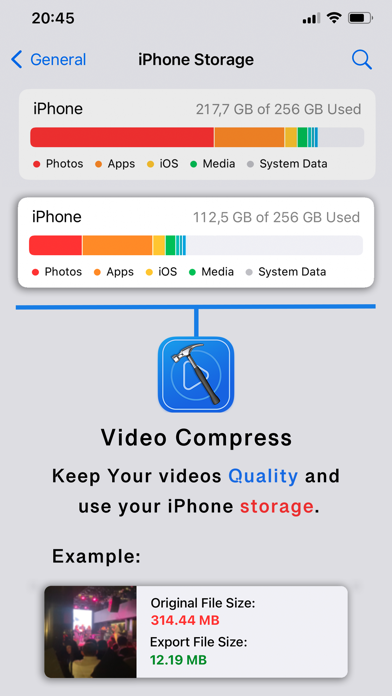
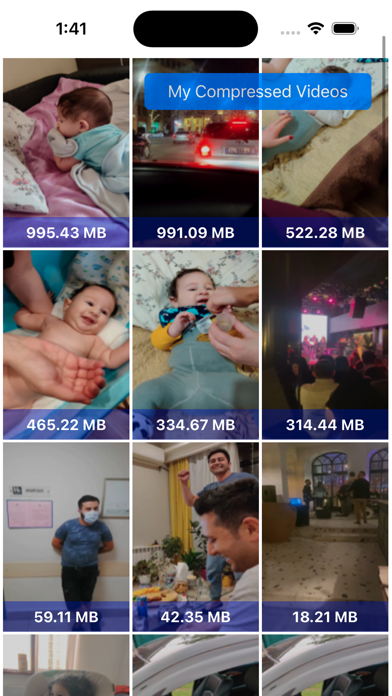
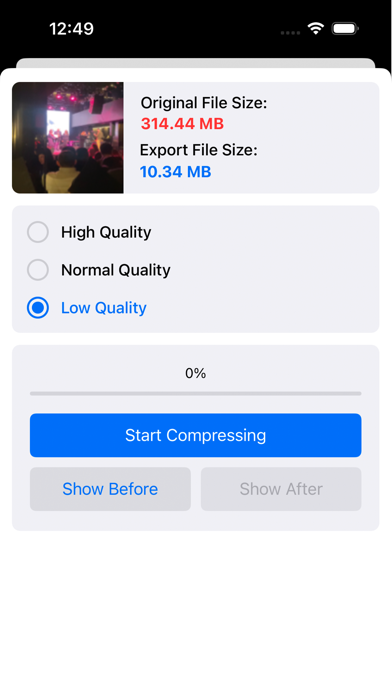
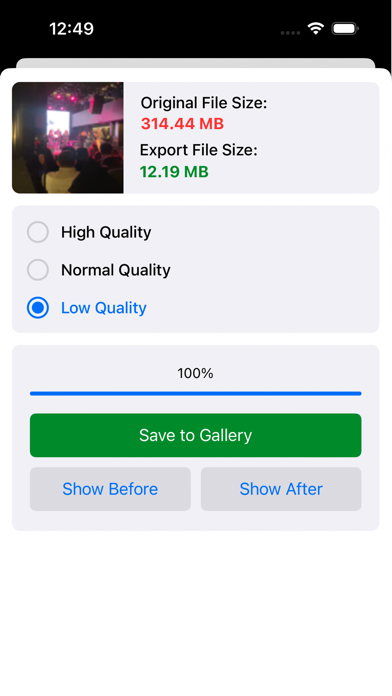
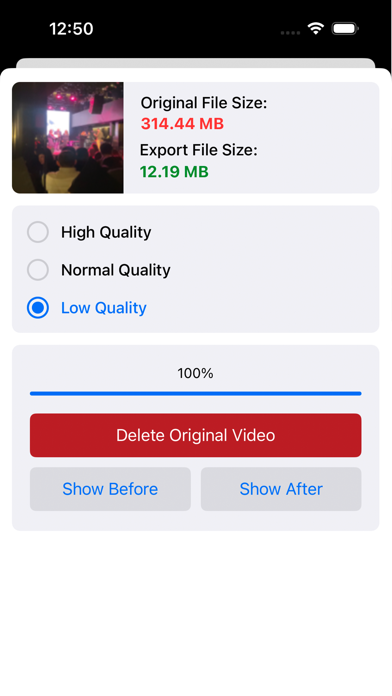
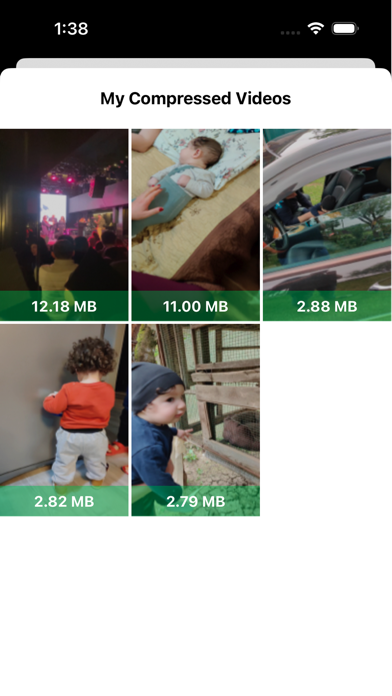
Today most iPhone users have problems with storage space mostly because of the large size video files. We made 'Video Compress' app to easily reduce the size of videos while keeping the Original Quality. This app is highly recommended for Camera-Recorded videos (most videos from social network apps are already compressed). How to find large size videos? The app sorts out videos by size from the largest to the smallest. How to free up space? 1. First, when compressing each video, click on 'Delete Original Video' to let the app replace the original video with a smaller size 2. Then, go to Gallery > Albums > Recently Deleted 3. Delete the video manually from Recently Deleted Where can I see my compressed videos? 1- In Photo Gallery 2- On app screen > top right > My Compressed Videos Attention: As long as the large video files are in Recently Deleted, no space is freed up on your iPhone. iPhone security system, only lets the user delete files from Recently Deleted and you should do this part manually. Enjoy high quality videos and free space on your iPhone.
Screenshots