AutoClicker - Auto Scroll: OP
My Media and Entertainment

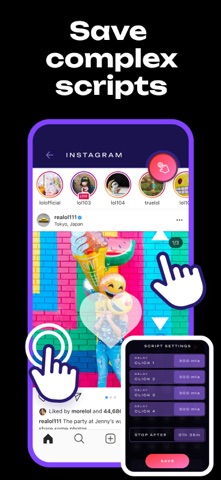
ONE CLICK ● MULTICLICK ● AUTO-SCROLL ● COMPLEX SCENARIOS ⁕⁕⁕ Automated Your Routine with a SINGLE TOUCH ⁕⁕⁕ With AutoClicker, you get a universal tool for automating any actions - from clicks and swipes to multi-step scenarios. Customize the number of taps, intervals (from 1 ms to hours) and precise tap zones. KEY FEATURES: ▸ Smart Auto-Click — Set any intervals (from 1 ms) and tap locations ▸ Multi-Actions — Execute click sequences across different screen points in one cycle ▸ Auto-Scroll — Effortless content scrolling without manual input ▸ Advanced Scripts — Create and save multi-step action sequences ◆ ◆ ◆ Tinnitus Sound Masking ◆ ◆ ◆ • Select and tap personalized mixes of white noise and nature sounds • Automatic adaptation to the environment • Set a timer and let the auto-clicker handle phone routines • Automatically scroll videos for audio background BUILT-IN MINI-GAMES – train reaction and speed with: ► "Electronic Wooden Fish" - for relaxation and focus ► "Click Like Lightning" - speed test ► Brain gymnastics - attention exercises ► Concentration test - train perseverance ► And others. Where is this useful? Games – auto-battle, resource farming and automatic jumps without manual input. Websites and social media – mass likes, auto-scrolling and form filling. App testing – repeatable scenarios for functionality checks. Work and study – automation of routine tasks in browsers and mobile office apps. Stop wasting time on routine – trust it to AutoClicker! Download now and get the most out of your device! ⁕⁕◆ Note: Auto functions are limited to the app environment and built-in activities. ◆⁕⁕
Screenshots