iGanttChart: Gantt Chart App
YUKI TANAIKE

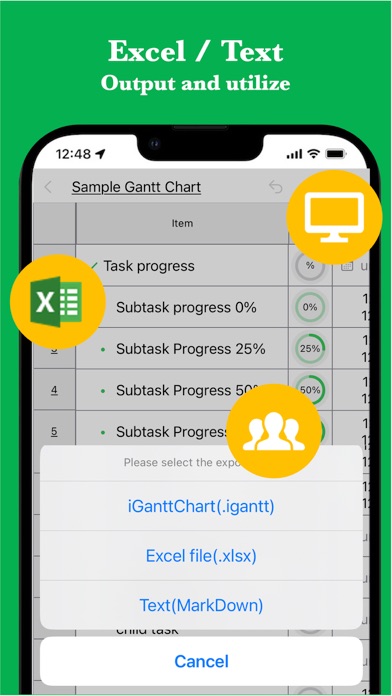
This iGanttChart app makes it easy to create Gantt charts right on your smartphone or tablet. It offers a range of expressive options, including task progress, colors, and links. Use it for project management, task management, and any other scenarios where you need a Gantt chart. [Features] - Intuitive usability Ease of use is the most important key for simple functions. It works quickly and you can edit intuitively. - Rich expression You can assign your preferred color to each task for expressive representation. - Progress management You can track each task's progress with a progress rate. - Link Since you can insert links, it is also useful when you want to manage reference sites. - Priority Manage your task priorities so you never forget important tasks. - Assignee Assign tasks and keep track of who is responsible for them. - Note Include descriptive text for each task to manage the details. - Ready to use No account registration required, start using the app immediately. - Multi-Device Support Sync seamlessly across multiple devices via Google Drive. - Export and share You can export the created Gantt chart, share it, or edit it on your PC. - Import Import and edit exported Gantt chart data. - Dark theme support The app also supports a dark theme, making it ideal for nighttime use.
Screenshots