PDF Scanner・Scan Documents App
DivMulTech

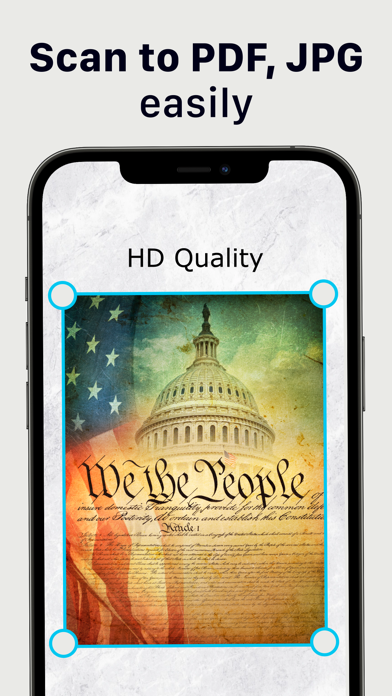
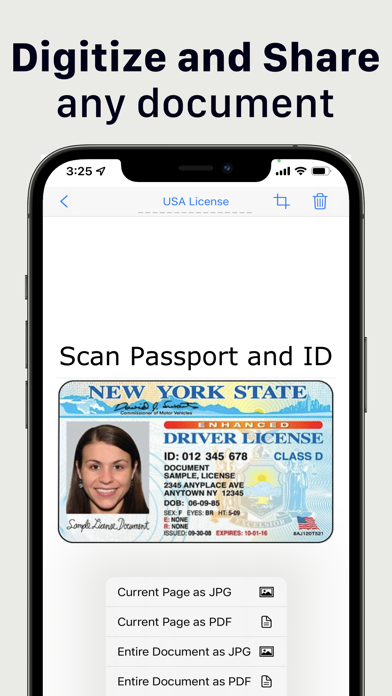
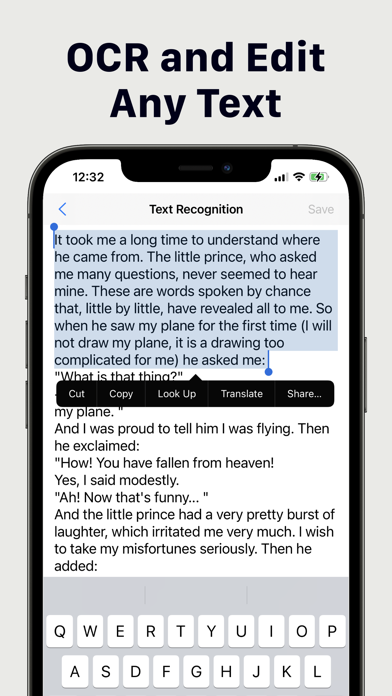
Make your iPhone a powerful portable scanner that can easily fit in your pocket. Optimize your business and personal processes with our easy Scan, Edit, Sign & Share process. Productivity in your pocket. Scan on iPhone, OCR and sign your documents. Highlight and correct. QR Reader and Scanner in the same app. Enhanced Scanner Features: - OCR (recognize text) - Sign document with one tap - Share document or individual pages in JPG or PDF - Save document in black & white, color or grayscale - Manage multiple signatures - Highlight text in documents - Draw on top of scanned document - Scan multiple pages at once - Crop and align each scanned page - Automatic document edge detection - Secure your scans with PIN code - Search and sort scanned documents - Place scanned documents in folders - Easy scan iPhone camera Scan Copy App is tuned to correctly scan multiple types of documents including: - Contracts, agreements, legal documents, brochures - Business cards - IDs, tickets, boarding passes, hotel reservations - School papers, worksheets, student notes - Bills, invoices, checks, contractor agreements Premium access: With upgrade to Scan Copy App Premium you will get unlimited full access to all features. Subscriptions are billed weekly, monthly or annually at the rate selected in the Scan Copy App subscription plan. Terms of Services: https://divmultech.com/scanner-terms-of-use/ Privacy Policy: https://divmultech.com/scanner-privacy-policy/ Scan Copy App support email: scanner@divmultech.com
Screenshots