StitchShot - ScreenShotCapture
国辉 满

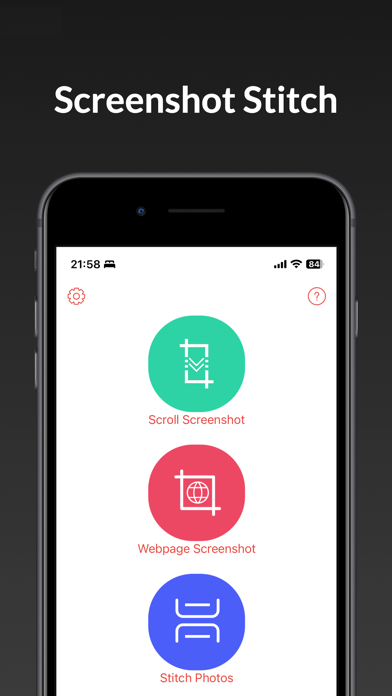
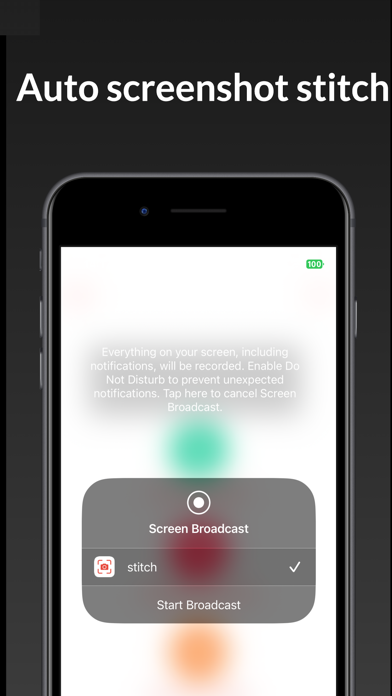
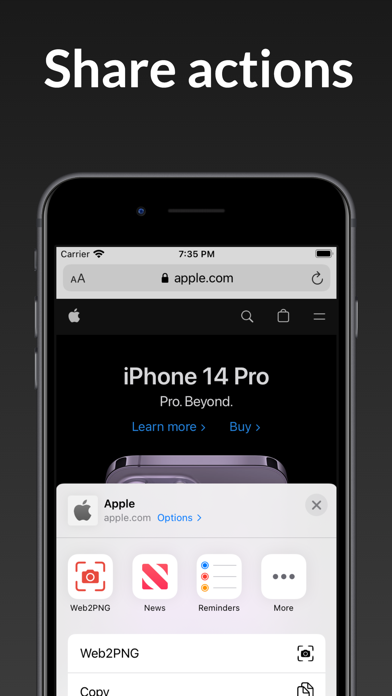
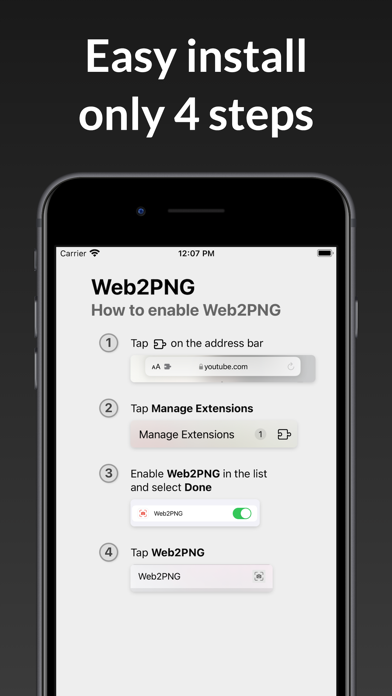
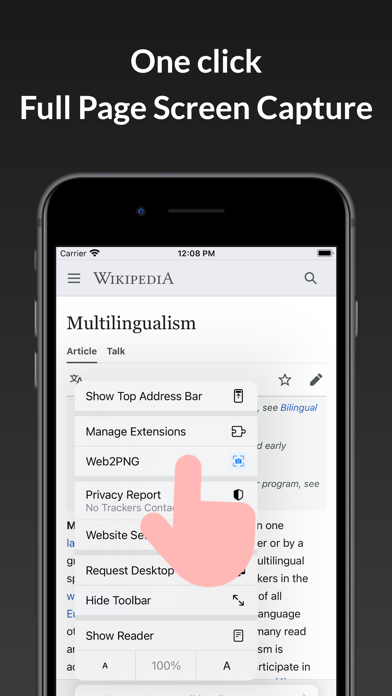
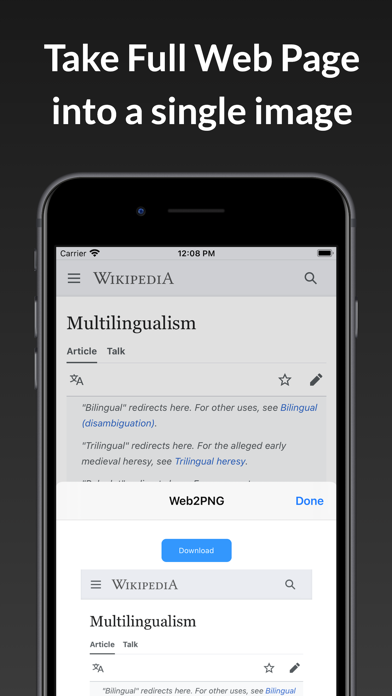
StitchShot - is a long screenshot capture/generation tool, suitable for making screenshots of chat records, web pages, Twitter, and various apps. •Automatically scroll screenshots 1. Click "Scroll Screenshot" button 2. Click "Start Broadcast" button 3. Open the app you want to take a screenshot of 4. Slide the screen slowly from top to bottom 5. When the scroll bar stops,Click 'Go to Application' and StitchShot will automatically generate long screenshot •in-app webpage screenshots 1. Click "Webpage Screenshot" button 2. Enter the URL in the app 3. Wait for the page to load, 4. Click the web2png button in bottom toolbar 5. Generate a screenshot of the web page all the contents 2.safari extention full web page screenshot Capture a screenshot of your safari web page in entirety and reliably—without requesting any extra permissions! The app uses an Apple API and only has access to the screen when you begin mirroring. Technically, it uses ReplayKit, a technology which allows screen recording. For privacy and performance reasons, I do not record any information. This process does not involve data transmission to the Internet or remote servers, and is not associated with any network connection. Also no files are stored on the device and the cache is clean once the session stops. For more information click https://developer.apple.com/documentation/replaykit For any questions or concerns, please contact:3ytv@163.com
Screenshots