PDF Converter. Photo to PDF
VIDMA

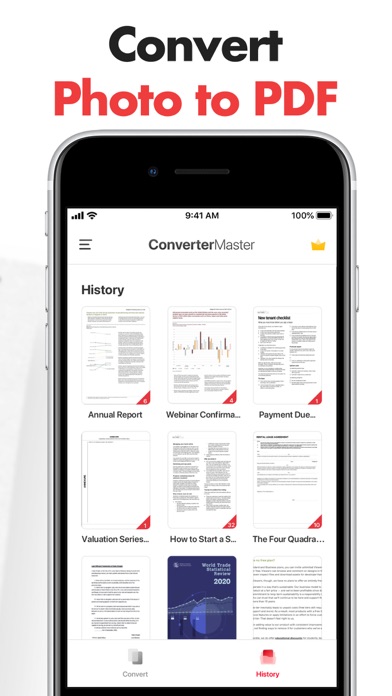
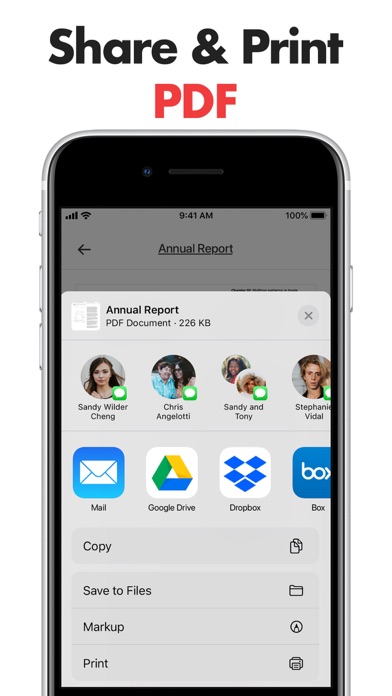
Quickly convert image, Word, JPG, Photo to PDF! PDF Converter Master is your go-to solution for converting PDF files. Secure, fast, and easy to use. You can easily convert your photos and documents into professional PDFs. With its user-friendly interface and powerful features, this app is well-suited to both personal and professional use. Share your PDF files effortlessly via email, cloud storage providers, or other apps on your device. Two steps to convert documents to PDF: - Scan with your camera or select images from the Gallery. - Tap "Convert." Your PDF file will be available for download and share shortly. ► Convert Photos to PDF - Converter Master makes it easy to convert photos to PDF. - Select photos from the Gallery and receive PDF files in no time. ► PDF Maker & Creator - Create PDF from Word, photos, images, JPGs, pictures. - Documents such as business cards, receipts, invoices, whiteboards, ID cards, etc., can be supported. - Customize settings such as page margin, orientation, and size to create the perfect PDF for your needs. ► Reliable PDF Scanner - Converter Master can be a portable PDF scanner. Take photos with your Camera and convert them into PDF files. - Locally stored files are only accessible to you, anywhere and anytime. ► Share & Print your PDFs - Keep your PDF files organized and accessible by connecting the app to your favorite cloud storage providers. - Sync your files across devices, so you're always ready to access or share PDF files, no matter where you are. ------------ Terms of Use: https://converter-master.web.app/terms_and_conditions_converter.html Privacy Policy: https://converter-master.web.app/privacy_policy_converter.html Contact us: support_pdfconverter@vidma.com
Screenshots