Wallpapers 8K
Nosakhare Ogbebor

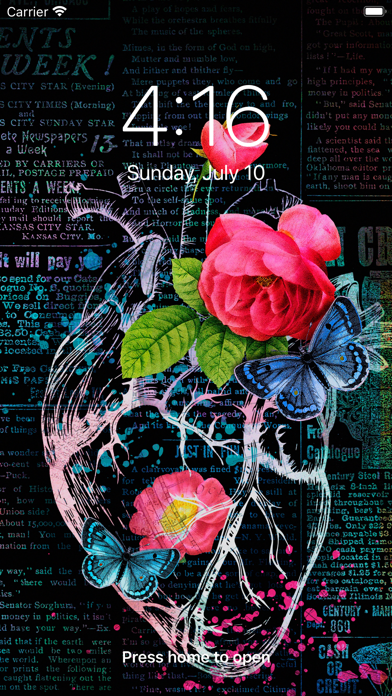
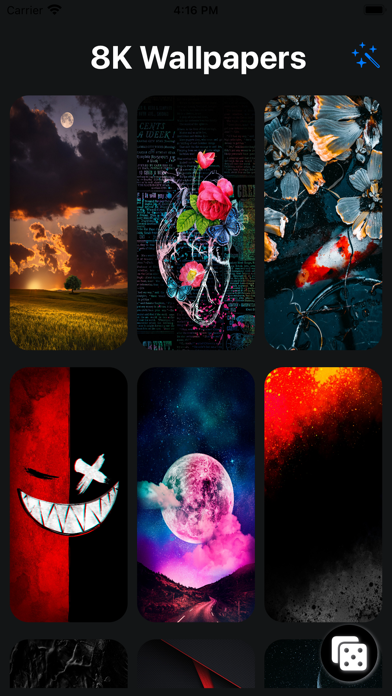
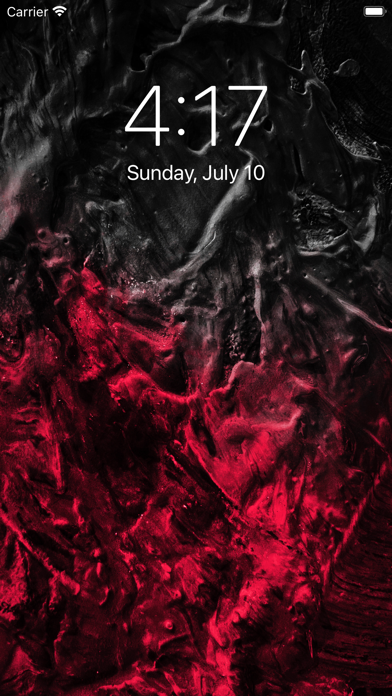
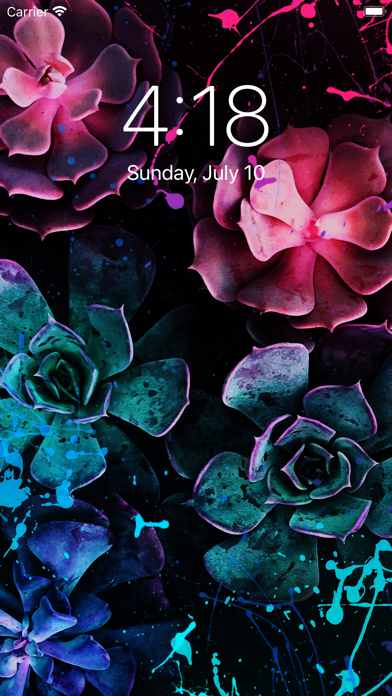
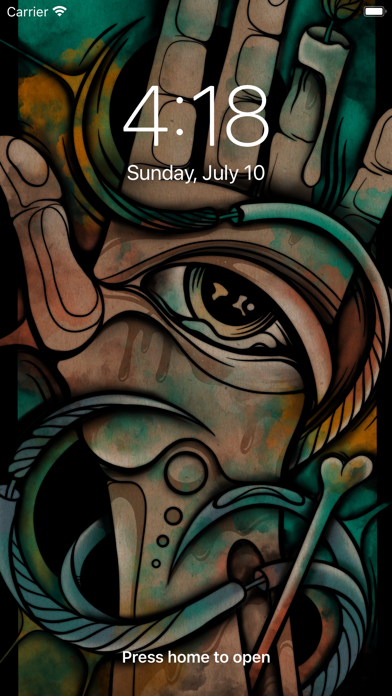
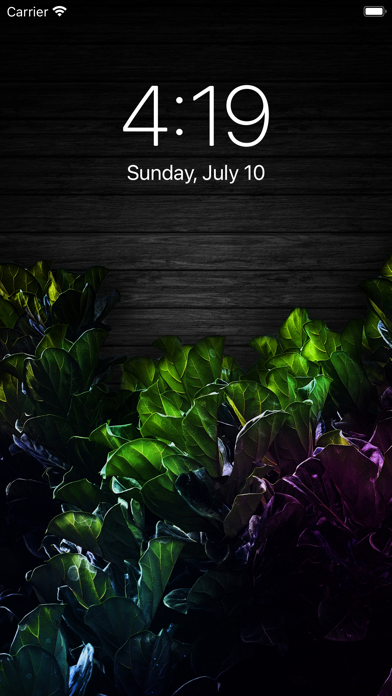
Are you tired of being bombarded by ads just so you can download a wallpaper? Are you tired of endlessly scrolling a wallpaper app just to find 1 kind of alright wallpaper? Are you tired of abusive pricing? If you answered yes to any of these questions then this wallpaper app is for you! Wallpapers 8K has over 200 Beautiful Wallpapers to take your homescreen and lockscreen to the next level! Tap to save your wallpaper to your Camera Roll and you are off to the races! Simple App Usage Instructions: 1. Tap on any Wallpaper you like 2. Your phone will ask you to allow access to save your wallpaper to Camera Roll ( First time only ) 3. Now that it is saved, go to your Photos 4. Go to wallpaper, Hit Share Icon 5. Scroll Down to Set As Wallpaper 6. Follow The On Screen Instructions, DONE! Note: You can set the wallpaper to Lock Screen or to Home Screen or Both! And that's it! The app also has a dice button where it will randomly pick a wallpaper for you and download it to your Camera Roll! I hope that you will enjoy these wallpapers as much as I am! Have a great day!
Screenshots